August 5, 2026
Improve Desk Posture: A Guide to a Better Workspace

Your posture isn't a character flaw; it's a design problem. Most people think learning how to improve posture at desk work is about sheer willpower, but your body will always lose a fight against a poorly equipped workspace. If you spend serious hours at a desk, the room around it matters more than you think. You likely know the dull ache of chronic neck tension or the difficulty of concentrating when your shoulders feel like they're up by your ears. It's exhausting to work in a space that feels like it's working against you.
We agree that trying to "sit up straight" for eight hours is a losing game. This guide will show you how to move from forced effort to intentional alignment. You'll learn how to equip your environment to support your body naturally, creating a setup that looks as good as it functions. We'll look at the essential tools for eye-level alignment, the foundation of a neutral spine using considered objects, and the behavioral shifts like the 30/30 rule that keep you moving. It's time to build a workspace made for the work.
Key Takeaways
- Stop relying on willpower alone and learn how to improve posture at desk by equipping a space that supports your body naturally.
- Master the "90-90-90" rule to establish a neutral foundation for your elbows, hips, and knees during long hours of work.
- Build a stable base using considered objects like foot rests and lumbar pillows to reduce physical strain.
- Shift your focus from static sitting to intentional movement by integrating tools that keep your lower limbs active and engaged.
The Foundation of Desktop Alignment: Why Willpower Fails
Most people treat posture like a moral failing. You tell yourself to sit up straight, but ten minutes later, you're hunched over the keyboard again. This happens because human posture is largely a byproduct of your environment. If your tools aren't positioned correctly, your body will inevitably collapse into the path of least resistance. Willpower is a finite resource. You shouldn't waste it on fighting your own furniture.
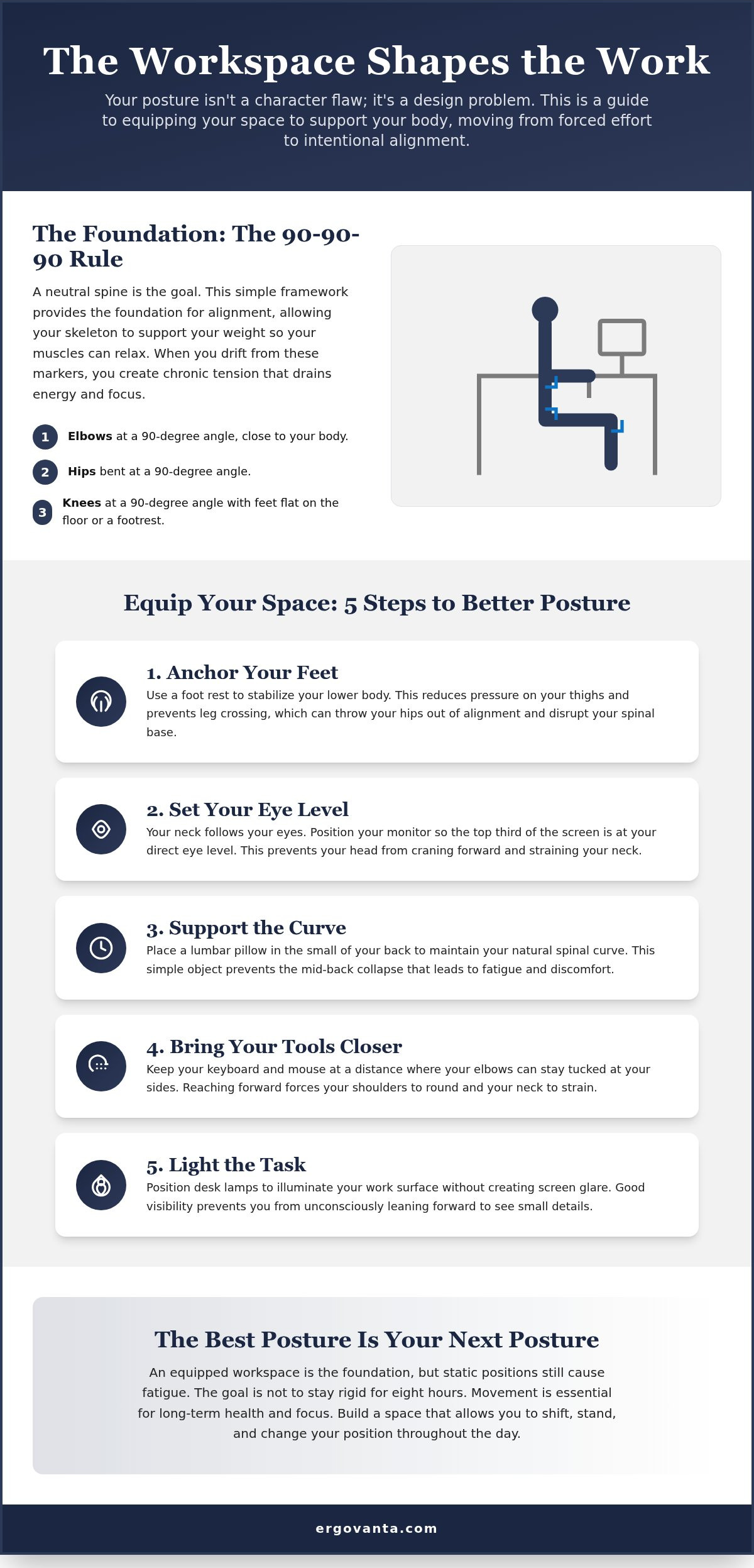
The "90-90-90" rule provides a simple framework for alignment: your elbows, hips, and knees should all maintain right angles. When you drift away from these markers, you pay the physical cost of "the hunch." This rounded-back position creates chronic tension that drains your energy and kills your focus by the mid-afternoon. Learning how to improve posture at desk work starts with admitting that your workspace needs to do the heavy lifting for you.
To better understand this concept, watch this helpful video:
The ultimate goal for any intentional workspace is a neutral spine. This isn't about being rigid or stiff. It's about creating a setting where your skeleton supports your weight, leaving your muscles free to relax. When you equip your space deliberately, you stop forcing your body into a shape and start allowing it to rest in one. This is how you build a room that actually gets used for the long haul.
The Eye-Level Rule
Your neck follows your eyes. If your screen is too low, you'll naturally crane your head forward to meet it, putting immense pressure on your cervical spine. This is why monitor stands are one of those small objects that earn their place immediately. They bring the work to your level so you don't have to go looking for it. For the best results, the top third of your monitor should be at eye level.
Equip Your Space: 5 Steps to Better Posture
Building a workspace that supports your body doesn't require a medical degree. It requires intentionality. If you want to know how to improve posture at desk setups that actually work, you have to look at the small objects that earn their place. You can't just think your way into a better spine; you have to build an ergonomic workstation setup that makes alignment the default state.
- Step 1: Anchor your feet. Use a foot rest to stabilize your lower body. This reduces pressure on your thighs and stops you from crossing your legs, which often throws your hips out of alignment.
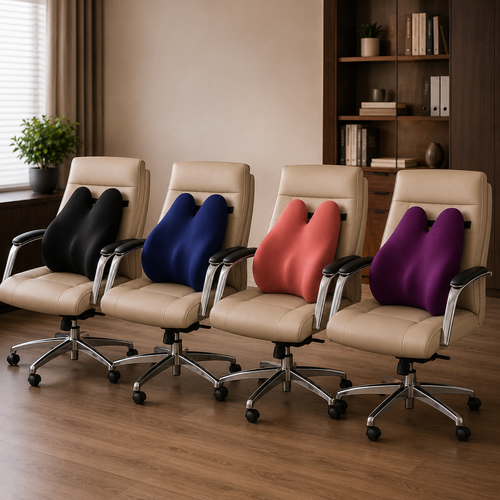
- Step 2: Support the curve. Place a lumbar pillow in the small of your back. This simple addition maintains your natural lumbar arch and prevents the mid-back collapse that leads to physical fatigue.
- Step 3: Lift your display. If you work on a laptop, use a laptop stand to bring the screen to eye level. This prevents "tech neck" caused by looking down at your keys for hours.
- Step 4: Bring your tools closer. Keep your keyboard and mouse at a distance where your elbows stay tucked at your sides. Reaching forward forces your shoulders to round and your neck to strain.
- Step 5: Light the task. Position desk lamps to illuminate your work surface. Good visibility prevents you from leaning forward to see small details.
The Role of Intentional Lighting
Poor lighting is a hidden posture killer. When you struggle to see your screen or documents due to glare or dimness, your body naturally "cranes" forward. This movement breaks your alignment and starts the cycle of neck tension all over again. Using monitor light bars helps illuminate the workspace without creating screen reflections. A well lit space creates a room you actually want to work in, making the hours feel less taxing. If you have questions about which objects fit your specific setup, feel free to reach out to us for guidance.
Sustaining the Work: Habits for the Long Haul
The workspace shapes the work. Even with the right tools, staying in one position for eight hours is a recipe for fatigue. If you want to know how to improve posture at desk setups, you have to accept that the best posture is actually your next posture. Movement is required for health. While an office ergonomics guide can help you find your initial alignment, sustaining that comfort requires micro-adjustments throughout the day. You can't just set it and forget it.
Static muscle fatigue sets in when you stay still for too long. Integrating foot massage boards into your setup keeps your lower limbs active without requiring you to leave your seat. It's a small way to introduce movement into the rhythm of your work. Beyond the physical tools, the "room around the desk" matters more than people realize. Adding decor or faux plants makes your space feel less like a cage and more like an intentional environment. When you enjoy the room, you're less likely to collapse into a stressed, hunched position. A space you'd choose to come back to is a space that supports your body.
The Small Objects That Earn Their Place
Ownership of your space means choosing objects that solve specific problems. For example, tech accessories like phone stands keep you from constantly looking down at your lap to check notifications. Every time you crane your neck to look at a device, you break the alignment you've worked to build. An organized, considered desk provides a psychological benefit that's hard to quantify but easy to feel. A clear surface leads to a clear head. Equip your space with things that earn their place through both function and style, ensuring your workspace is a personal environment made for the work.
Build a Workspace That Works for You
The room around you dictates the work you do. You've learned that posture isn't a test of willpower, but a result of your environment. By using considered objects like monitor stands to align your sightline and foot rests to anchor your foundation, you've moved from forced effort to intentional alignment. Real progress happens when you stop fighting your furniture and start equipping your space for the long haul.
Mastering how to improve posture at desk work is about more than just health; it's about focus. When your body feels supported, your mind is free to engage with the task at hand. Our collection is designed for the people who spend serious hours at a desk. We focus on intentionality and personal ownership, offering a curated selection of ergonomic tools and refined decor that earns its place in your room.
Your workspace should feel like yours. It should be a place where productivity feels natural and fatigue is a distant thought. Build a workspace you want to come back to: Explore Ergovanta Essentials. You do the work; let your space support it.
Frequently Asked Questions
How high should my monitor be for the best posture?
Position the top third of your screen directly at eye level to maintain a neutral neck position. This prevents you from tilting your head up or down; a repetitive movement that strains the cervical spine over time. If your monitor sits too low, you'll naturally hunch forward to meet the display. Use a monitor stand to bring the work to your sightline rather than forcing your body to adapt to a fixed desk height.
Do I really need a foot rest if my feet touch the floor?
A foot rest is useful even if your feet reach the carpet. It provides a stable, intentional anchor that prevents you from crossing your legs or tucking them under your chair. These common habits often tilt the pelvis and throw off your lower back alignment. Using a dedicated rest keeps your knees at a 90-degree angle and reduces the physical fatigue that builds up in your legs during long hours of work.
Can a laptop stand actually prevent neck pain?
Laptop stands are essential tools for anyone wondering how to improve posture at desk setups without a separate monitor. Laptops force a compromise between healthy wrist placement and healthy neck alignment. By lifting the screen, you stop craning your neck downward; a position often called "tech neck." Pair the stand with an external keyboard to keep your elbows at your sides and your spine neutral while you work.
What is the best way to sit if I do not have an ergonomic chair?
You can build a functional setup using considered objects even without a specialized chair. Focus on supporting the natural curve of your lower back with a lumbar pillow to prevent the mid-afternoon slouch. Ensure your hips are slightly higher than your knees and your feet are firmly planted on a flat surface. It's about taking ownership of your space; equip the chair you have with the support it lacks to make it truly made for the work.
From the catalog