May 20, 2026
How to Improve Posture While Working From Home: A Guide for People Who Do the Work

Sixty-one percent of people working from home report a worsening of musculoskeletal pain since moving their office into their living space. You shouldn't finish a day of work feeling like you have been in a physical fight with your furniture. If you spend serious hours at a desk, the room around it matters more than you think. Persistent neck tension and eye strain aren't just part of the job; they are the results of an unconsidered environment. Integrating specific ergonomic desk accessories for wfh can change how your body feels by the time you close your laptop.
You already know that sitting for long stretches isn't ideal, but you have work that needs to get done. We will help you build a workspace that supports your body through intentional ergonomic adjustments and considered tool selection. This guide provides practical steps to fix your posture and highlights the small objects that earn their place on your desk. Learn how to equip your space so it stops fighting you and starts helping you do the work.
Key Takeaways
- Neutral posture is the position where your body does the least work to stay upright. Build your setup to support this alignment to avoid daily exhaustion.
- Place your screen where your eyes naturally fall to stop the forward lean. Using monitor stands or laptop stands ensures the top third of the display stays at eye level.
- Equip your desk with intentional lighting to eliminate glare and shadows. Considered lighting prevents you from twisting your body into awkward positions just to see small details.
- Select specific ergonomic desk accessories for wfh that earn their place through functional advantage. Keep your most-used items within a neutral reach zone to reduce repetitive stretching.
- The workspace shapes the work, so build it deliberately. An intentional environment is a tool that allows you to focus on the task at hand without physical distraction.
The Workspace Shapes the Work: Why Your Home Setup Fails Your Body
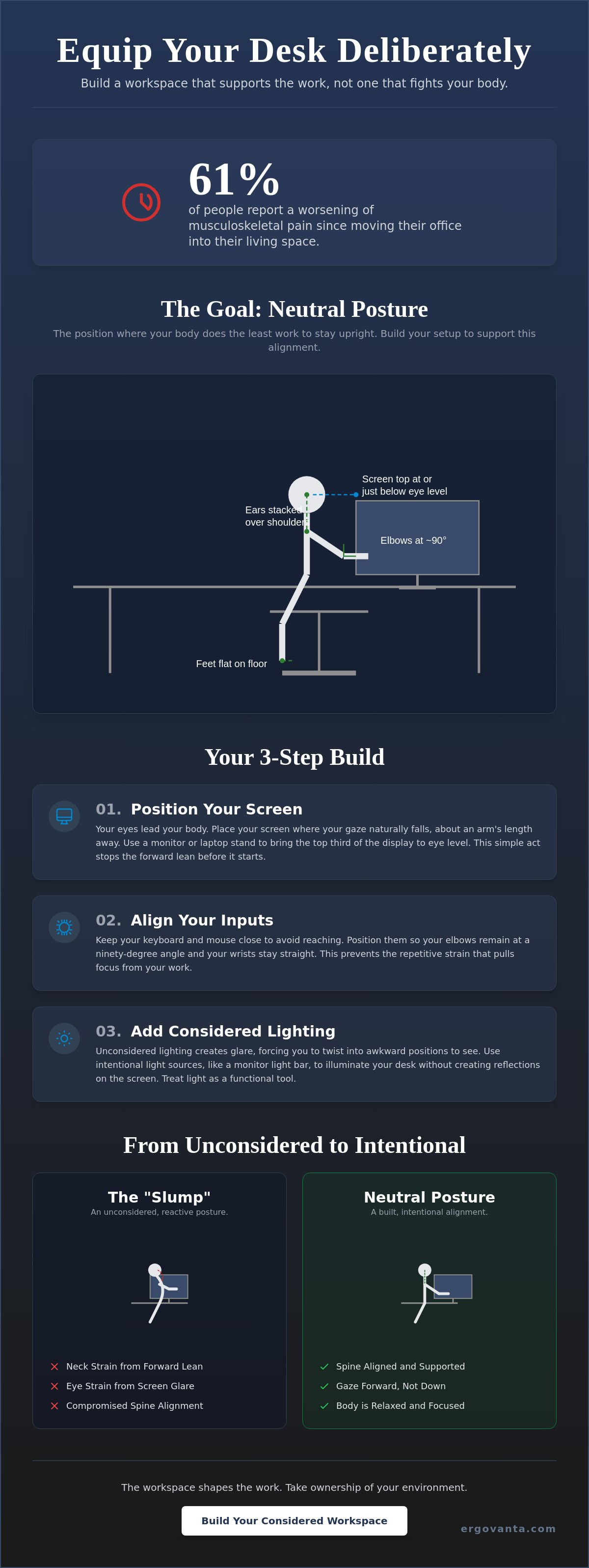
The workspace shapes the work. If you spend serious hours at a desk, the room around it matters more than you think. Neutral posture is the goal: it is the position where your body does the least amount of work to stay upright. When your setup is not considered, you naturally lean toward the screen (the "slump"). This happens because your body is trying to compensate for a layout that doesn't fit your dimensions.
Achieving a neutral spine isn't about rigid discipline; it's about alignment. Focus on these three markers:
- Ears stacked directly over your shoulders.
- Elbows bent at ninety degrees.
- Feet resting flat on the floor (no dangling or crossing).
To better understand how these pieces fit together in a real-world setting, watch this helpful video on setting up a functional desk:
The Cost of an Unconsidered Space
"Laptop neck" is a structural problem caused by the device, not just a bad habit. Laptops force your gaze downward, which pulls your entire spine out of alignment. This physical tension is a quiet focus-killer. When your neck is strained, your mind isn't on the task; it's on the discomfort. This is where the science of ergonomics becomes a practical tool for your daily life. An intentional desk setup removes these physical distractions, leaving you with a clear mind for the work that matters.
Ownership of Your Physical Environment
It's time to stop working from a temporary setup. Since you don't have a facilities manager at home, you have to be your own ergonomics department. Transitioning to an intentional workstation means choosing ergonomic desk accessories for wfh that actually support your frame. Equip your space with tools that earn their place by solving specific physical problems. When you take ownership of your environment, you build a space you'd actually choose to come back to.
Equip Your Desk Deliberately: A Step-by-Step Build for Better Posture
Start with the screen. Your eyes lead your neck. If your display sits too low on the desk, your body will instinctively follow it into a slump. Equip your desk deliberately by placing the monitor where your gaze naturally falls. Use monitor and laptop stands to bring the top third of your screen to eye level. This simple adjustment stops the forward lean before it starts, keeping your spine in a neutral position for the duration of the work.
Your input devices require the same level of intentionality. Position the keyboard and mouse so your wrists stay straight and your elbows remain at a ninety-degree angle. Awkward angles lead to repetitive strain that pulls focus away from your output. By selecting the right ergonomic desk accessories for wfh, you build a foundation that supports your physical health without sacrificing efficiency.
The Geometry of the Screen
Follow the "arm’s length" rule. Place your screen approximately 20 to 30 inches from your eyes to reduce strain and prevent the urge to lean forward. Relying on a laptop alone is a recipe for neck pain because the integrated keyboard and screen force a compromised posture. A monitor arm provides the flexibility to adjust your space as you move throughout the day. If you want to see how these pieces come together, you can shop our curated setups to find a build that fits your space.
Lighting as an Ergonomic Tool
Lighting is a functional requirement often overlooked in home office health and safety. Unconsidered lighting creates glare on the screen. When reflections obscure your work, you instinctively twist your torso into awkward positions to see better. Equip your desk with considered lighting like monitor light bars. These tools provide even illumination across the work area without hitting the screen directly. Use light to signal the transition between deep work and the refined ritual of winding down. Small objects must earn their place; a good lamp does so by protecting your eyes and your posture.
Considered Tools: The Small Objects That Support Long Hours
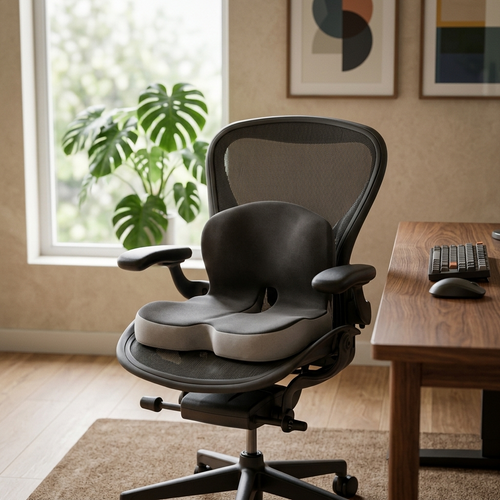
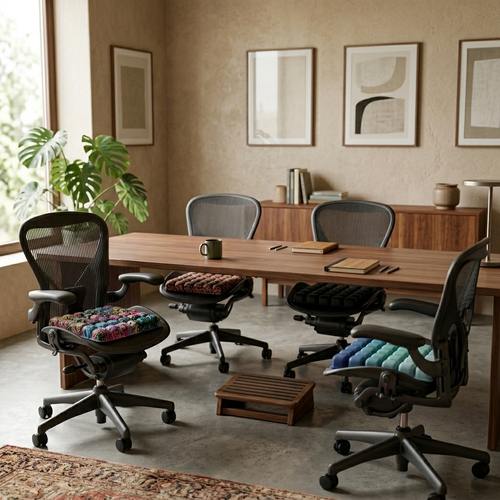
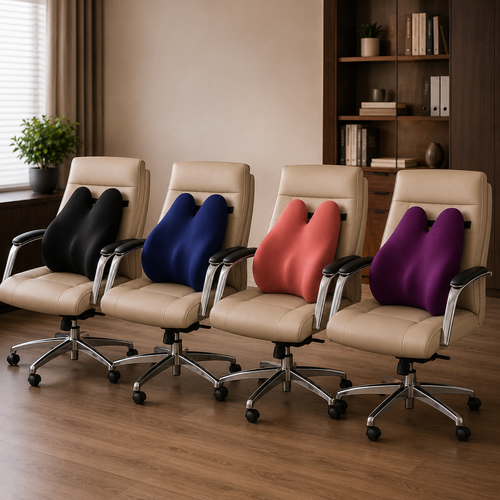
Small objects must earn their place. If a tool doesn't provide a clear functional advantage to your body, it doesn't belong on your desk. When you build your environment, focus on ergonomics and comfort tools that address specific points of strain. A lumbar pillow, for instance, supports the natural curve of your spine during long stretches of focus. Similarly, a footrest or foot massage board helps you maintain the "feet flat" rule, even if your desk height isn't perfectly adjustable.
Maintaining a proper ergonomic setup also requires managing your reach. Keep your most-used items within a "neutral reach zone" to avoid repetitive twisting or stretching. By selecting specific ergonomic desk accessories for wfh, you ensure that every movement is intentional and low-impact. This level of consideration prevents the physical exhaustion that often follows a day of unconsidered labor.
The Ritual of Movement
Ergonomics is not a static state; it is a series of adjustments. The best posture is your next posture. Build movement into your day to prevent stiffness from setting in. Follow the 20-20-20 rule for your eyes and the 50-10 rule for your body: fifty minutes of work followed by ten minutes of movement. A desk riser allows you to change positions from sitting to standing without breaking your flow or losing your train of thought. Movement keeps the mind sharp and the body resilient.
Research into visual attention and behavior, such as the work conducted by Ergoneers, underscores why these visual breaks are vital for maintaining focus and reducing the cognitive load associated with screen-heavy tasks.
The Final Workspace Details
Complete your setup with workspace essentials that refine the experience. Desk mats define your work area and reduce wrist friction against the surface. Small additions like a headphone stand or phone riser keep the desk clear for the work that matters. These objects earn their place by creating order and reducing cognitive load. Build a space you would choose to come back to every morning; one that supports the work instead of getting in its way.
Build a Workspace That Supports the Work
Your environment is a direct reflection of how you value your time and your physical health. Improving your posture isn't a one-time fix; it is a series of intentional choices. By aligning your screen to eye level, selecting tools that provide a clear functional advantage, and embracing the ritual of movement, you stop fighting the room and start doing the work. Integrating the right ergonomic desk accessories for wfh is a practical investment in how you feel at the end of every day.
Ergovanta is a boutique ergonomic brand founded in 2021. We provide national US shipping on a considered selection of objects that earn their place on your desk. Every item we offer is designed for the people who do the work. If you are ready to transition from a temporary setup to an intentional workstation, we can help you find the right tools for your specific needs. Build a room you actually choose to come back to every morning.
Equip your space for better posture and take ownership of your physical environment. You have the work to do; let's build the space that helps you finish it without the strain.
Frequently Asked Questions
How high should my monitor be for the best posture?
Your monitor should be positioned so that the top third of the screen is at eye level. This placement ensures your neck remains in a neutral position rather than tilting down toward a laptop. If your screen is too low, you will instinctively slump to meet it. Using monitor arms or laptop stands allows you to make these intentional adjustments without replacing your entire desk setup.
Do I really need a standing desk to work from home ergonomically?
You don't need a standing desk to maintain a healthy workspace, but you do need to prioritize movement. The best posture is your next posture. If you prefer your current desk, consider adding a desk riser to change positions throughout the day. Integrating specific ergonomic desk accessories for wfh, such as a footrest or a lumbar pillow, can provide significant support even if you remain seated for the majority of the day.
What is the best way to sit at a desk for 8 hours?
The best way to sit is in a neutral position with your ears over your shoulders and your feet flat on the floor. Avoid crossing your legs or dangling your feet, as this creates uneven pressure on your spine. If your chair height makes this difficult, a footrest is a considered tool that earns its place by supporting your lower body. Remember to keep your keyboard close enough that your elbows stay at a ninety-degree angle.
Can poor lighting actually affect my posture?
Poor lighting forces your body into awkward positions to avoid glare or to see small details. If your room is too dark or has harsh reflections, you will instinctively lean forward or twist your torso. Equipping your desk with a monitor light bar or a dedicated desk lamp provides even illumination across your workspace. These ergonomic desk accessories for wfh help you maintain a neutral posture by removing the visual obstacles that lead to physical strain.
From the catalog