June 28, 2026
Do Monitor Light Bars Reduce Eye Strain? Equip Your Workspace for Better Focus

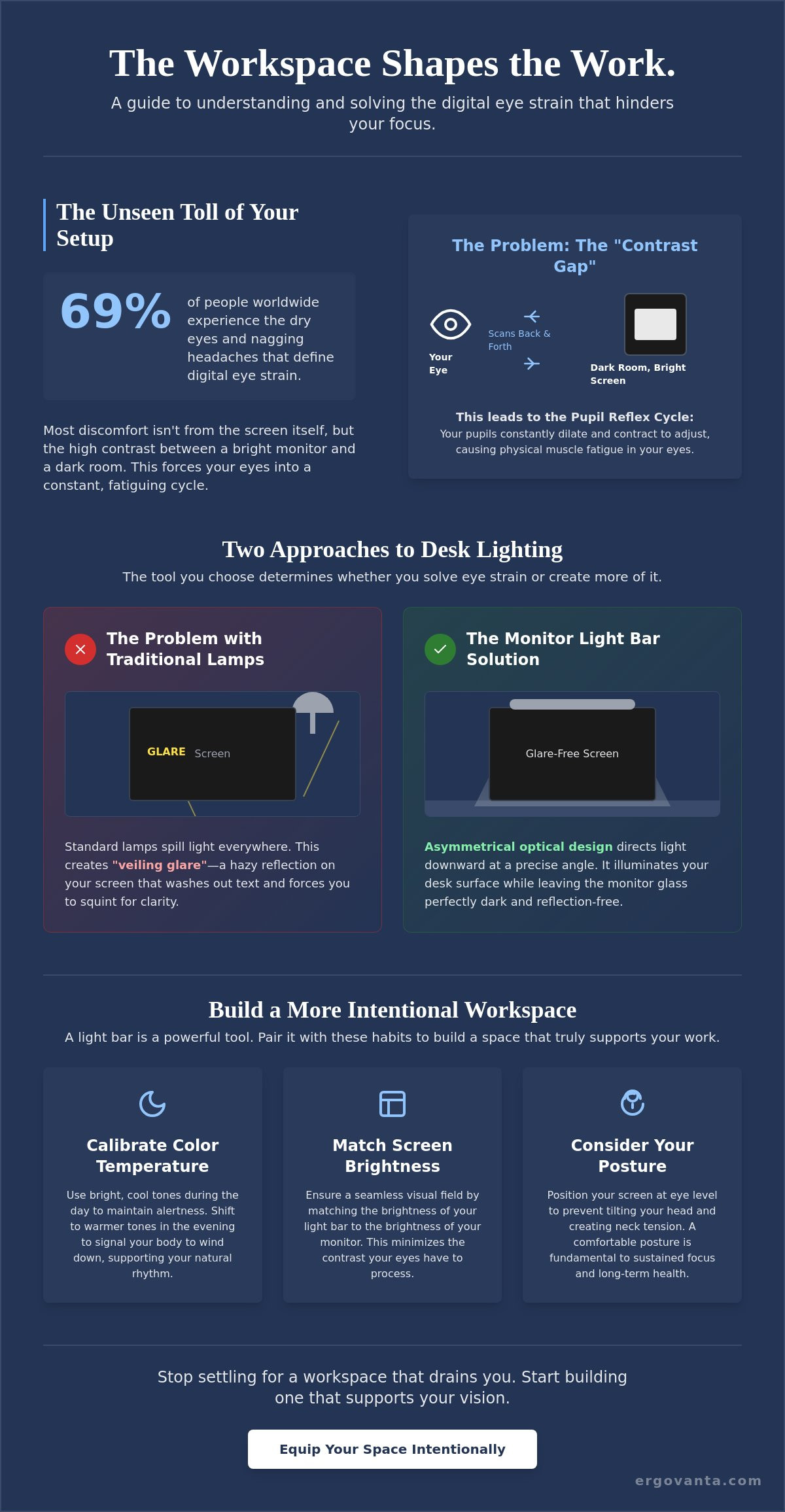
Sixty-nine percent of people worldwide experience the dry eyes and nagging headaches that define digital eye strain. If you spend serious hours at a desk, you already know the physical toll it takes. Harsh overhead lights and screen glare aren't just distractions; they're obstacles to the work you want to do. You've likely felt the fatigue set in during a late-night project and wondered if your setup is working against you.
The workspace shapes the work. Equip it deliberately. You deserve a space built for focus and personal ownership. We'll explore the science behind screen-induced fatigue and answer the fundamental question: do monitor light bars reduce eye strain? It's time to stop settling for a workspace that drains you and start building one that supports your vision.
We'll look at how intentional lighting balances contrast and why the small objects on your desk must earn their place. You'll learn how to use a monitor light bar to eliminate glare and create a room that you actually choose to come back to. This is how you build a workspace made for the work.
Key Takeaways
- Understand the "Contrast Gap" and why your eyes struggle when moving between a bright screen and a dark room.
- Discover how asymmetrical optical design directs light exactly where you need it without creating distracting screen reflections.
- Find out the answer to "do monitor light bars reduce eye strain" by looking at the science of pupil dilation and visual fatigue.
- Build a more intentional setup by pairing smart lighting with proper monitor positioning and body posture.
- Equip your space with considered tools that earn their place by supporting your focus during long hours at the desk.
The Science of Contrast: Why Screen Use Strains Your Eyes
The workspace shapes the work. Equip it deliberately. If you spend serious hours at a desk, the room around it matters more than you think. Most discomfort isn't about the screen itself but the extreme contrast between your bright monitor and the dark periphery of your room. This imbalance is a primary trigger for Computer Vision Syndrome; a condition that costs the US economy an estimated $151 billion annually in health system costs and lost productivity.
To better understand how light placement affects your visual health, watch this helpful video:
Understanding the Pupil Reflex
Your pupil is a muscle that responds to light levels. In a high-contrast environment, your eyes struggle to find a baseline. They constantly dilate to take in the dark room and contract to process the bright screen. This repetitive motion leads to physical fatigue. Many users ask: do monitor light bars reduce eye strain? The benefit comes from bias lighting, which illuminates the space behind or around the monitor to soften this transition and allow the eye muscles to rest.
The Problem with Traditional Desk Lamps
Standard lamps are designed for paper, not pixels. When you use a traditional lamp at a computer, the light often hits the screen directly. This creates "veiling glare," a hazy reflection that washes out text and forces you to squint for clarity. Building a workspace that works for you requires managing these light sources to create a balanced environment without the interference of unnecessary reflections. Equip your desk with tools that earn their place by solving these physiological challenges.
How a Monitor Light Bar Works to Reduce Fatigue
The efficiency of a light bar comes down to geometry. Traditional desk lamps spill light in every direction, often bouncing off your screen and straight into your eyes. A monitor light bar uses an asymmetrical optical design to solve this. It directs light downward at a precise angle, illuminating your desk surface while leaving the monitor glass in the dark. This creates a clean workspace where the light serves the task at hand rather than creating a new distraction.
People often ask: do monitor light bars reduce eye strain? The answer is found in the removal of reflections. By eliminating the "veiling glare" that washes out text and images, these tools allow you to reduce or prevent eyestrain effectively. Your eyes no longer have to fight through a layer of reflected light to see the work behind it. It is a simple mechanical fix for a common physiological problem.
Eliminating Screen Glare
A well-engineered light bar creates a sharp "cut-off" line. This line ensures that the light path stops exactly where the bezel of your monitor begins. You get a high-contrast view of your screen without the hazy reflections that force you to squint or lean in. It keeps the focus on your projects while providing enough ambient light to keep the rest of your desk visible and functional.
Calibrating Your Light for the Time of Day
Lighting should adapt to your schedule. Most modern bars allow you to adjust color temperature from cool white to warm amber. Use bright, cool tones during the day to maintain alertness and focus. As the sun sets, shift to warmer tones to signal your body that it is time to wind down. You should equip your space with intentional lighting that supports your natural rhythm. Matching the brightness of your bar to the brightness of your monitor ensures a seamless visual transition. If you need help choosing the right tools for your specific desk, reach out to our team for a direct recommendation.
Building a Better Setup: Beyond the Light Bar
The workspace shapes the work. Equip it deliberately. While asking "do monitor light bars reduce eye strain" is the right first step, a single device cannot fix an unconsidered environment. Building a space that supports your eyes requires looking at the room as a whole. It is about creating a balance between your tools and your physical habits, and for those in professional environments, you can find out more about how managed lighting services can support this balance. If you spend serious hours at a desk, the small adjustments you make to your setup will often yield the most significant results in terms of focus and clarity.
Ergonomics and Eye Level
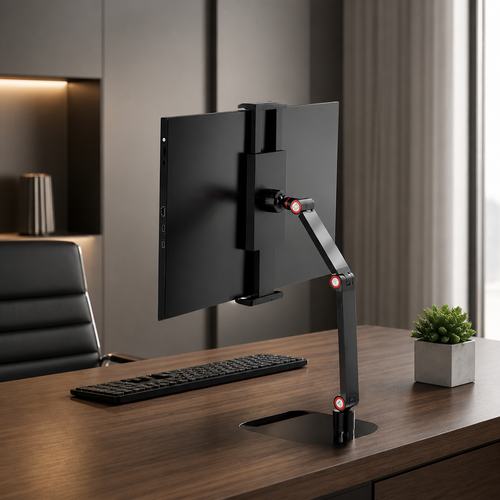
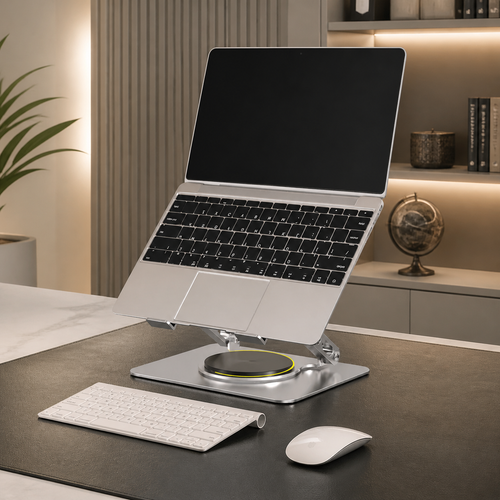
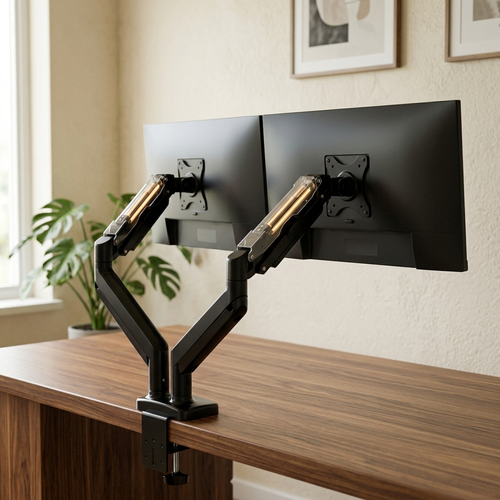
Posture is a fundamental requirement of sustained focus. If your screen is positioned too high or too low, you are likely tilting your head and neck in ways that create tension. Use monitor stands to align your screen so the top is at or slightly below your natural line of sight. This positioning helps maintain a healthy blink rate. When you look upward at a monitor, your eyes open wider; this increases tear evaporation and leads to the dry, gritty feeling associated with Digital Eye Strain. Keep your screen at arm's length to ensure your eye muscles aren't working overtime to maintain focus.
The Role of Ambient Lighting
A monitor light bar is most effective when it isn't the only light source in the room. Working in a total vacuum creates an intense contrast that the pupil reflex struggles to manage. Combine your desk lighting with soft background sources like floor lamps to fill the space. This layers the light, reducing the harshness of the monitor's glow. You can browse our ergonomics and comfort collection for tools designed to help you do the work without the physical tax of a poorly planned room.
Finally, remember that your eyes need movement. Utilize the 20-20-20 rule: every 20 minutes, look at something 20 feet away for at least 20 seconds. This simple ritual allows your eye muscles to reset. Clearing visual clutter from your desk also reduces mental fatigue, leaving more room for the projects that matter. Build the workspace you'd choose to come back to by making every object earn its place. While you consider how do monitor light bars reduce eye strain, remember that the best setup is one where every element works in harmony to support your vision.
Build a Workspace That Supports Your Vision
The rooms that get used are the ones built with intention. You now understand the mechanics of the contrast gap and how asymmetrical light distribution preserves your visual clarity. When asking do monitor light bars reduce eye strain, the answer lies in how you manage the environment around you. It isn't just about the device on top of your screen; it's about the considered arrangement of your entire desk. By balancing your monitor's glow with soft ambient sources and maintaining proper eye level, you create an environment made for the work.
Your space should support the way you focus. At Ergovanta, we provide functional tools for intentional spaces. We believe in supporting the people who do the work with gear that earns its place every day. Take ownership of your environment and equip your workspace with considered lighting solutions. We offer free shipping on all orders over $100 to help you get started. Start building the setup you'll choose to come back to tomorrow.
Frequently Asked Questions
Do monitor light bars cause glare on the screen?
No, a well-built monitor light bar won't cause glare. It uses an asymmetrical optical design to direct light only onto your desk surface. This keeps the beam off the monitor glass, preventing the reflections that lead to squinting. It's a deliberate way to light your workspace without the hazy wash of a standard lamp. This clear cut-off line ensures you see the screen's content, not the light source itself.
Can a monitor light bar damage my curved monitor?
Most light bars are safe for curved monitors, provided you choose a model with a compatible mounting clip. Many modern versions use a weighted hinge that rests on the top bezel without applying direct pressure to the screen glass. It's a functional addition that fits most setups as long as the monitor isn't unusually thick. Always check the manufacturer's specifications to ensure the clamp width matches your specific hardware.
Is a light bar better than a traditional desk lamp for eye strain?
For screen-based work, a light bar is generally better because it solves the "do monitor light bars reduce eye strain" question through precise placement. Traditional lamps occupy valuable desk space and often reflect light directly off the monitor surface. A light bar clears your workspace and focuses illumination purely on your physical tasks, like reading or using a keyboard, while keeping the screen free from distracting reflections.
How bright should my monitor light bar be set?
You should set your light bar to match the brightness of your monitor. If the light bar is significantly brighter or dimmer than your screen, your eyes will work harder to adjust as you move your gaze. This constant pupillary response leads to fatigue. Aim for a balanced environment where the transition from your screen to your desk surface feels seamless. It's about creating a space that supports your vision through intentional calibration.
From the catalog