May 29, 2026
How to Improve Home Office Lighting for Focused Work

Lighting isn't just a room feature; it's a tool you equip to shape the work you do. If you spend serious hours at a desk, the room around it matters more than you think. You've likely felt the frustration of screen glare or harsh shadows that make physical tasks difficult. Learning how to improve home office lighting is the first step in building a workspace that actually supports your focus. The environment shapes the work. Build it deliberately.
It's hard to stay productive when your eyes are fighting the room; squinting isn't a strategy. Research shows that simple changes, like adding bias lighting behind your monitor, can reduce eye fatigue by 18%. This guide will show you how to build a considered, three-layer setup that reduces strain during late-night sessions. We'll show you how to layer light sources from 300 to 750 lux to ensure every corner of your desk is made for the work. From positioning task lamps to selecting floor lamps that soften the room, you'll finish with a clear plan for an environment that feels like yours.
Key Takeaways
- Start with the foundation: position your desk perpendicular to windows to utilize natural light without creating distracting screen glare.
- Learn how to improve home office lighting by building a layered system that serves specific jobs, from general room brightness to focused task work.
- Equip your room with ambient sources like ceiling lights or floor lamps to bounce light off the walls and eliminate harsh shadows.
- Reduce visual friction by adding bias lighting behind your monitor, which helps your eyes stay relaxed during long sessions.
- Focus on intentionality by selecting lighting tools that earn their place on your desk and support the way you actually work.
Start with the Foundation: Position Your Desk for Natural Light
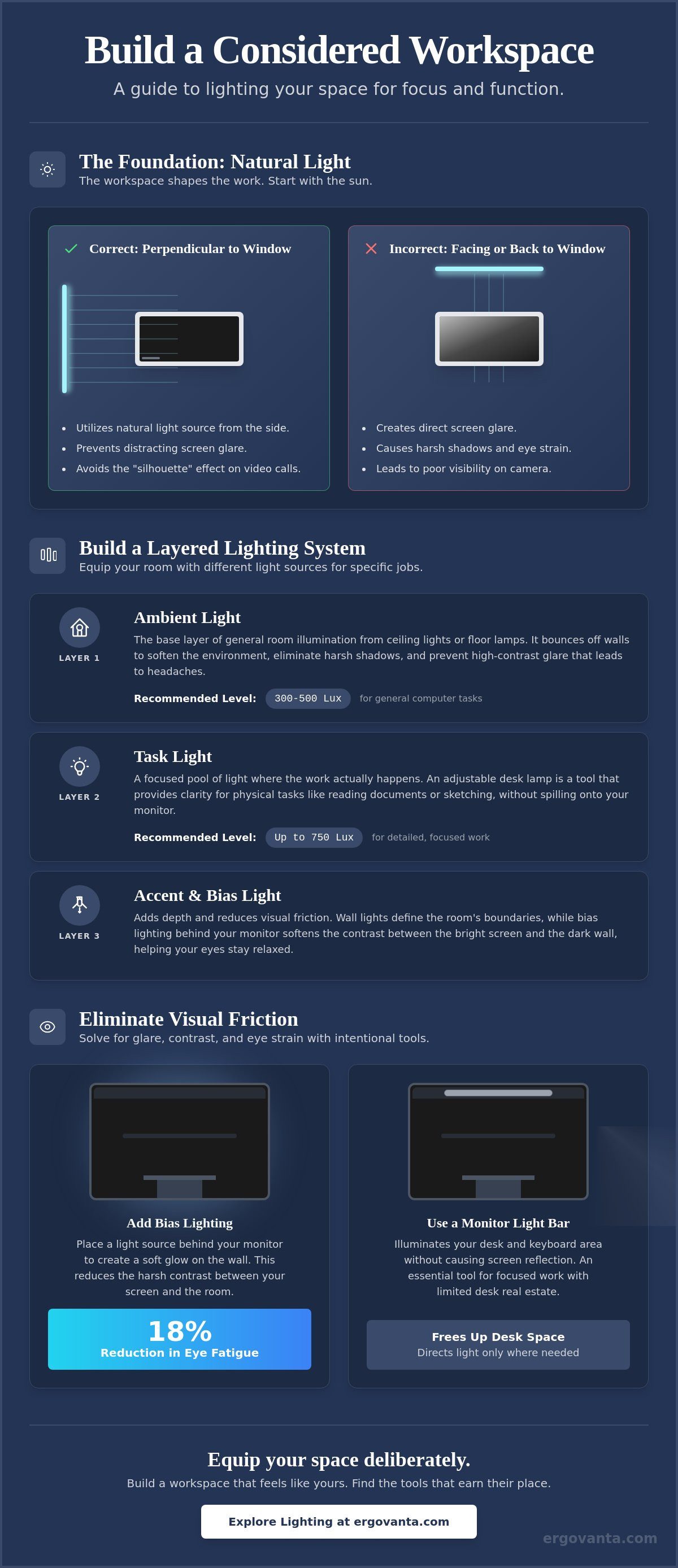
The workspace shapes the work. Equip it deliberately, starting with the sun. If you spend serious hours at a desk, the room around it matters more than you think. You can't rely on luck when figuring out how to improve home office lighting; you need a plan that starts with your desk's relationship to the window. Position your desk perpendicular to windows. This placement avoids the "silhouette" effect where you're a dark shadow on video calls, and it prevents direct sunlight from washing out your display. It's about finding the balance between a view and a functional screen.
To better understand this concept, watch this helpful video:
Intentionality beats luck every time. Use window treatments like blinds or sheer curtains to control light intensity throughout the day. You want to maximize daylight without letting it become a distraction. Avoid the "cave dweller" feeling by keeping your environment open, but use your shades to kill the glare during the hours when the sun is most aggressive.
Managing Shadows and Directional Light
Identify where shadows fall on your desk during your peak working hours. If you're right-handed, place your desk so the primary light source comes from your left side. This ensures your hand doesn't cast a shadow across your notes while you're writing or sketching. Side-lighting is the standard for reducing hand shadows while writing. While natural light is the foundation, you will eventually need to supplement it with task lighting to maintain focus once the sun sets.
Controlling the Cave Effect
Working in a dark room with only a single bright screen creates psychological friction. It's a fast track to a headache and digital eye strain. To fix this, use light-colored surfaces or faux plants to bounce natural light deeper into your space. These small objects earn their place by softening the contrast between your monitor and the rest of the room. By reflecting light, they help the room feel integrated and considered rather than just a dark box with a glowing rectangle.
Build a Layered Lighting System for Focus and Function
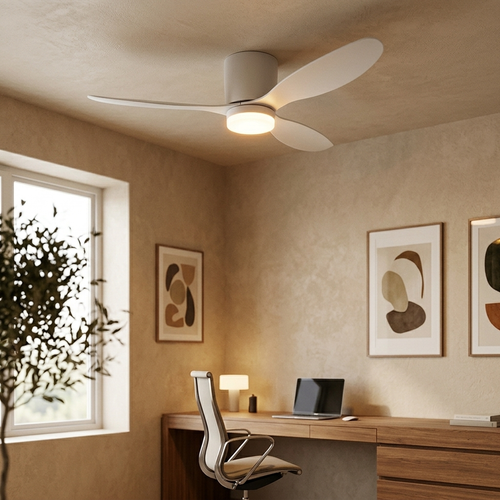
Layering isn't a design flourish; it's a functional requirement. If you're looking at how to improve home office lighting, you need to think in terms of depth. A single overhead bulb is rarely enough for serious focus. Instead, equip your room with different light sources that serve specific jobs. Ambient light provides the base layer. This is the general room illumination from ceiling lights or floor lamps that bounce light off the walls. It softens the environment and prevents the high-contrast glare that leads to headaches. By following OSHA guidelines for workstation lighting, you can ensure your base layer meets the recommended 300 to 500 lux for standard computer tasks.
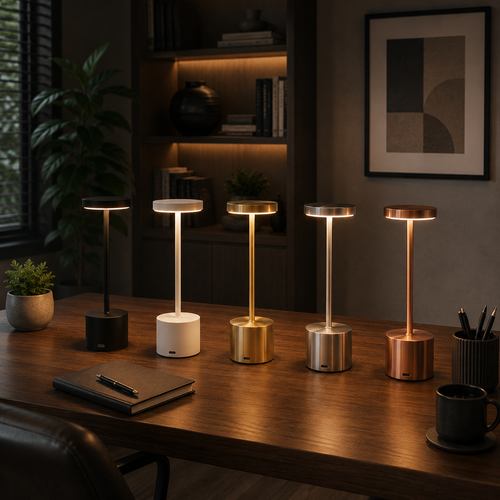
Once the room is filled, you add task lighting where the work actually happens. The desk lamp is a tool that must earn its place on your surface by providing clarity for physical tasks. Finally, use accent lighting to define the room's boundaries. Installing wall lights behind or beside your desk adds depth. This makes the space feel considered rather than accidental. It's about building a room that gets used, not just a place where you happen to have a desk.
The Role of the Considered Desk Lamp
Pick a desk lamp with an adjustable arm. This allows you to direct a pool of light exactly where it is needed, whether you're reviewing a contract or sketching a plan. The light should illuminate your documents without spilling onto the monitor and causing wash-out. A heavy, stable base is a mark of a tool made for the work. It stays put when you're moving the arm to adjust your focus throughout the day.
Using Monitor Light Bars for Screen Focus
For those with limited desk real estate, monitor light bars are essential tech accessories. They clip to the top of your display to illuminate the keyboard area without causing screen reflection. This is a simple way to make the room feel integrated while saving space for your notes. You can find these and other tools in our workspace essentials collection. If you need help choosing the right tools for your specific layout, feel free to get in touch with us.
Eliminate Visual Friction: Solving Glare and Contrast Issues
Visual friction is the silent tax on your focus. It happens when your eyes have to constantly adjust between a bright monitor and a dark wall. While some online forums suggest that dark rooms are better for screen work, the high contrast actually causes significant strain. If you want to know how to improve home office lighting, you must address this contrast first. Adding "bias lighting" behind your monitor is a simple way to make the room feel integrated. This technique can reduce eye fatigue by 18 percent, creating a smoother transition for your vision and making the display feel like a natural part of the environment.
Equipping your space with considered lighting also means avoiding "hot spots." These are intense reflections that bounce directly into your eyes from the screen surface or glossy desk finishes. They aren't just annoying; they force your brain to filter out visual noise while you're trying to do the work. By spreading light evenly across your surfaces, you reduce the physical effort your eyes exert throughout the day.
Balancing Color Temperature for the Job
Color temperature is a tool for intentionality. During peak hours, use cooler light (around 5000K) to mimic daylight and maintain alertness. As you transition into late-night sessions, switch to warmer light (2700K) to help your mind wind down. Using smart bulbs or adjustable lamps allows you to move from work mode to rest mode without leaving your desk. It's about building a space that respects your natural rhythms and the time of day.
Managing Reflection and Glare
Check for hidden glare from glass-framed art or glossy desk surfaces. These reflections are often subtle enough to ignore but persistent enough to cause a headache by mid-afternoon. Position your light sources so they are never directly in your line of sight while you're looking at the monitor. To find the source of the problem, try the mirror test. Hold a small mirror against your screen; if you can see a light bulb in the reflection, you've found your source of friction. Relocate the lamp or adjust the shade until the bulb disappears. This is how to improve home office lighting through small, deliberate adjustments that earn their place in your routine.
Equip Your Space for the Long Haul
The workspace shapes the work. Lighting isn't a decoration; it's a tool you equip to stay focused. You've seen that understanding how to improve home office lighting requires a plan that starts with natural light and ends with a considered, three-layer system. By solving for visual friction and balancing color temperatures, you've moved past luck and into intentionality. These small adjustments are what turn a generic room into a space made for the work.
At Ergovanta, we provide minimalist designs that earn their place on your desk. These tools are built specifically for the people who do the work, ensuring your setup supports you through every long session. We also offer free shipping on all orders over $100 to help you get your room right. If you're ready to build a workspace you'd choose to come back to, equip your workspace with considered lighting from Ergovanta. Focus on the work; we'll handle the room.
Common Questions About Office Lighting
What is the best lighting for a home office with no windows?
Focus on layering artificial light to replace the role of the sun. Combine ambient ceiling lights with floor lamps that bounce light off the walls to fill the room. Add a dedicated desk lamp to provide the 500 lux recommended for detailed tasks. This layered approach is the most effective way for how to improve home office lighting when natural light is unavailable. Use LED bulbs with a high Color Rendering Index (CRI) of 90 or above to ensure your space feels natural and intentional.
How do I stop my computer screen from reflecting my desk lamp?
Position your lamp to the side of your monitor rather than directly in front of or behind it. Adjust the arm so the light pool hits your desk surface or documents instead of the screen glass. If your desk is small, a monitor light bar is a tool made for this specific job. It clips to your display and directs light downward onto your keyboard, effectively eliminating the hot spots and reflections that cause visual friction.
Is warm light or cool light better for working at a desk?
Cool light (5000K) is better for high-focus work during the day because it mimics daylight and helps you stay alert. Warm light (2700K) is better for the evening when you need to wind down. Many people learning how to improve home office lighting find that adjustable smart bulbs are the best solution. These allow you to transition from a crisp, neutral white during your peak hours to a warmer, softer glow as you finish your tasks for the night.
Can poor lighting cause permanent eye damage?
Poor lighting does not cause permanent physical damage to your eyes, but it does cause significant temporary strain. Working in a room with high contrast or heavy glare leads to headaches, blurred vision, and mental fatigue. While these symptoms usually fade once you leave the desk, they make it difficult to do the work comfortably. Equip your room deliberately to avoid the daily physical toll that a poorly lit environment takes on your focus.
From the catalog