June 30, 2026
Laptop Stands for Better Ergonomics: Building a Workspace Made for the Work

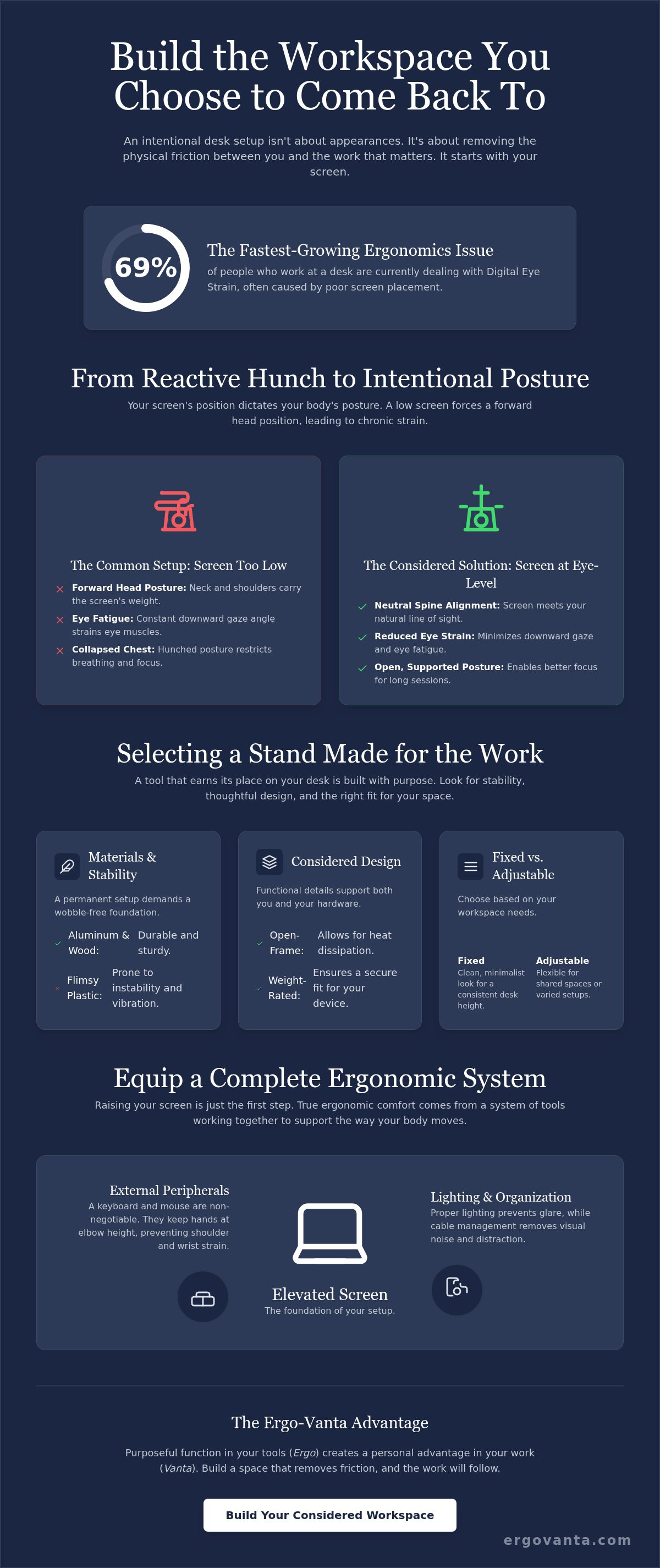
Sixty-nine percent of people who work at a desk are currently dealing with Digital Eye Strain. It's the fastest-growing ergonomics issue of 2026, and it usually starts with where your screen sits. The workspace shapes the work; equip it deliberately. If you spend serious hours at a desk, you likely recognize the chronic tension in your neck and the uninspiring feeling of a workspace that wasn't built with intention. You know the frustration of an environment that feels like a hurdle rather than a tool.
Choosing a laptop stand for better ergonomics is a fundamental step in reclaiming your physical comfort. When you equip your space with considered objects, you stop reacting to pain and start building a workspace made for the work. This guide explores how intentional screen height reduces strain, the specific requirements for a healthy setup, and how to organize a desk you actually want to come back to. It's time to build a space that simply feels like yours.
Key Takeaways
- Learn why intentional screen height is the foundation of a considered desk setup.
- Select a laptop stand for better ergonomics by choosing materials and designs that earn their place on your desk.
- Understand the Ergo-Vanta advantage: how purposeful function in your tools creates a personal advantage in your output.
- Build a complete system by pairing your stand with external peripherals and intentional lighting to reduce strain.
Why Elevation Earns Its Place on Your Desk
The workspace shapes the work. Equip it deliberately. If you spend serious hours at a desk, the room around it matters more than you think. Investing in a laptop stand for better ergonomics isn't about status; it's about personal ownership of your physical health. At Ergovanta, we look at the Greek root Ergo (purposeful function in action) and pair it with Vanta (a coined word for advantage). A considered desk setup gives you that advantage by removing the friction of physical pain.
When your screen sits too low, your body is forced into a reactive posture. This often leads to Forward head posture, where your neck and shoulders carry the weight of a poorly positioned screen. Ergonomic elevation is the alignment of the screen with your natural line of sight to eliminate neck strain. By moving from a "hunch" to an intentional, upright position, you reclaim your focus for the work that matters.
The Science of the Line of Sight
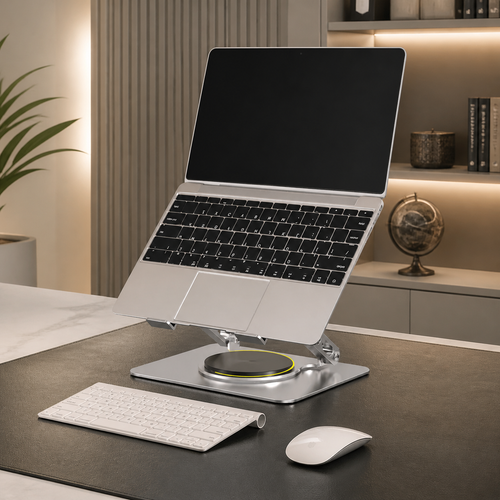
Your eyes naturally dictate your posture. If the screen is low, the body follows, leading to a collapsed chest and strained shoulders. Following the "4-inch rule" (lifting the screen just a few inches) can prevent chronic tension in the cervical spine. This adjustment minimizes the downward gaze angle, which is a leading cause of eye fatigue. When your screen meets your eyes, your body stays open and supported.
Building for the Long Hours
There is a significant difference between a temporary fix and a workspace you choose to come back to. A laptop stand for better ergonomics is one of those small objects that earns its place by facilitating long-term comfort. Intentionality in your setup leads to better focus during deep work sessions because your environment is no longer a source of distraction. Build a space that supports you, and the work will follow.
Selecting a Stand Made for the Work
Choosing a tool that earns its place on your desk requires looking past generic options. While flimsy, plastic stands might work for a quick session at a cafe, a permanent setup demands weight. A laptop stand for better ergonomics should feel like a sturdy foundation. Aluminum and wood are preferred for their durability and wobble-free performance. Beyond stability, look for open-frame designs. These are essential for heat management, allowing your hardware to breathe while you focus on intensive tasks. Compatibility is the final check. Ensure the stand is rated for your laptop's specific weight and size to avoid any compromise in safety.
Fixed vs. Adjustable Height
Fixed risers are excellent for those who have dialed in their desk height and want a clean, minimalist look. They are predictable and sturdy. However, an ergonomic laptop setup often requires the flexibility of an adjustable stand. This is particularly useful for hybrid workspaces or shared desks where different users need different heights. If you go this route, choose a mechanism that is robust enough for daily use without losing its tension.
The Aesthetic of the Considered Workspace
The look of your tools matters. It isn't about status, but about building an environment that reflects your dedication to the craft. Whether you prefer the industrial feel of metal or the warmth of natural wood, your stand should complement your other workspace essentials. A considered room is one where every object has a purpose and a place. If you're unsure which material or height works best for your specific desk depth, send us a message to discuss your setup.
Equipping a Complete Ergonomic System
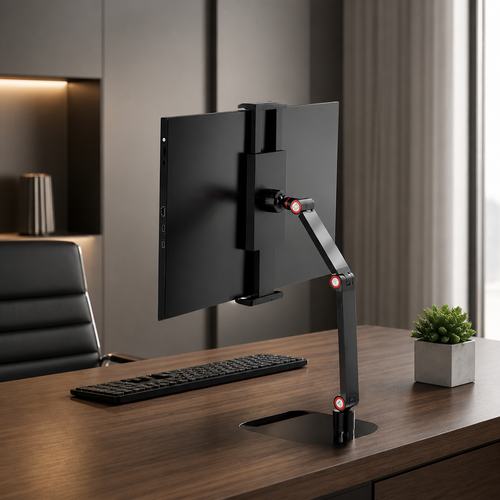
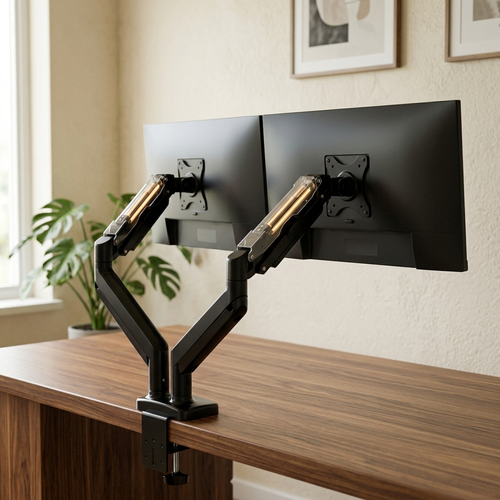
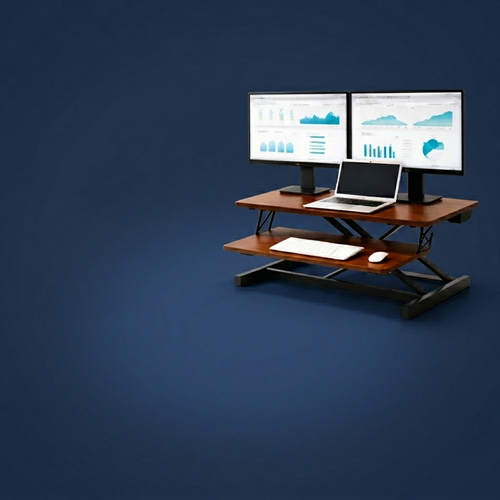
Raising your screen is only half the battle. A laptop stand for better ergonomics is a component of a system, not a standalone fix. If you lift the screen but continue to reach up to type on the built-in keyboard, you've simply traded neck strain for shoulder and wrist fatigue. True ownership of your space means equipping it for the way your body actually moves. Reclaiming your desk surface with tools like monitor arms or desk shelves allows you to organize the room around the work, creating a layout that supports long-term focus.
The Peripheral Connection
Once the screen is at eye level, your hands need to stay at elbow height. An external keyboard and mouse are non-negotiable for a considered setup. This configuration keeps your shoulders relaxed and your wrists in a neutral position, preventing the repetitive strain that comes from "reaching" for your laptop. To keep the environment from feeling cluttered or chaotic, use tech device accessories to manage cables and maintain a clean environment. A wire-free desk isn't just about looks; it's about removing the visual noise that breaks your concentration.
Lighting Your Way to Focus
Lighting is often the most overlooked part of an intentional system. When you change the height and angle of your screen with a laptop stand for better ergonomics, you also change how light hits the display. Proper lighting placement prevents harsh glare and reflections that cause you to squint or lean forward. Integrating desk lamps or monitor light bars provides targeted illumination without washing out your screen. We believe there is a clear link between a well-lit space and the ability to sustain deep work. You can learn more about our approach to functional design on our about us page. Building an intentional workspace is about more than just buying equipment; it's about creating a room that gets used because it actually works for you.
Build the Workspace You Choose to Come Back To
Your workspace is more than just a surface; it's a personal environment built for doing the work. We've explored how intentional screen height serves as the foundation for physical comfort and why a laptop stand for better ergonomics earns its place by aligning your screen with your natural line of sight. By pairing proper positioning with external peripherals and intentional lighting, you move from a reactive posture to one of ownership and focus. These are the small, considered objects that transform a temporary setup into a system that actually supports you through the long hours.
At Ergovanta, we design for the people who do the work. Our focus remains on purposeful function and helping you build a space that feels like yours. We offer national US shipping on all ergonomic essentials to help you get started. Equip your space with our considered laptop stands and start building the room you actually want to use. The right tools don't just change how you work; they change how you feel while doing it. Take ownership of your environment today.
Frequently Asked Questions
Do I really need a laptop stand if I only work a few hours a day?
Yes, because physical strain doesn't wait for a full eight-hour shift to start. Even two hours of hunching can lead to neck tension that lasts all day. A laptop stand for better ergonomics is an intentional choice to prevent pain before it becomes chronic. If you use your desk daily, the room around it matters. Equip your space deliberately to ensure those few hours are productive and pain-free.
What is the ideal height for a laptop screen to be ergonomic?
The top third of your laptop screen should be at eye level. This positioning ensures your neck remains in a neutral position rather than tilting down. When you use a laptop stand for better ergonomics, your natural line of sight should meet the screen directly. This simple adjustment reduces the weight your cervical spine has to support. It's a fundamental requirement for a workspace made for the work.
Can I use a laptop stand without an external keyboard?
You can, but it is rarely a good idea. Typing on a raised laptop creates a new set of problems for your wrists and shoulders. To build a workspace that actually works, you need to pair your stand with an external keyboard and mouse. This allows your hands to stay at elbow height while your screen stays at eye level. It's the only way to equip a complete system that supports long-term focus.
Will a laptop stand stop my computer from overheating?
Yes, a stand with an open-frame design significantly improves airflow around your hardware. Laptops often struggle with heat when sitting flat on a desk surface, which can lead to throttled performance. By lifting the device, you allow heat to dissipate more efficiently. It's a practical benefit that keeps your equipment running cool during intensive tasks. Choosing a stand made of aluminum further aids this process through natural heat conduction.
From the catalog