May 10, 2026
PC Monitor Mounts: Building the Setup That Holds Up

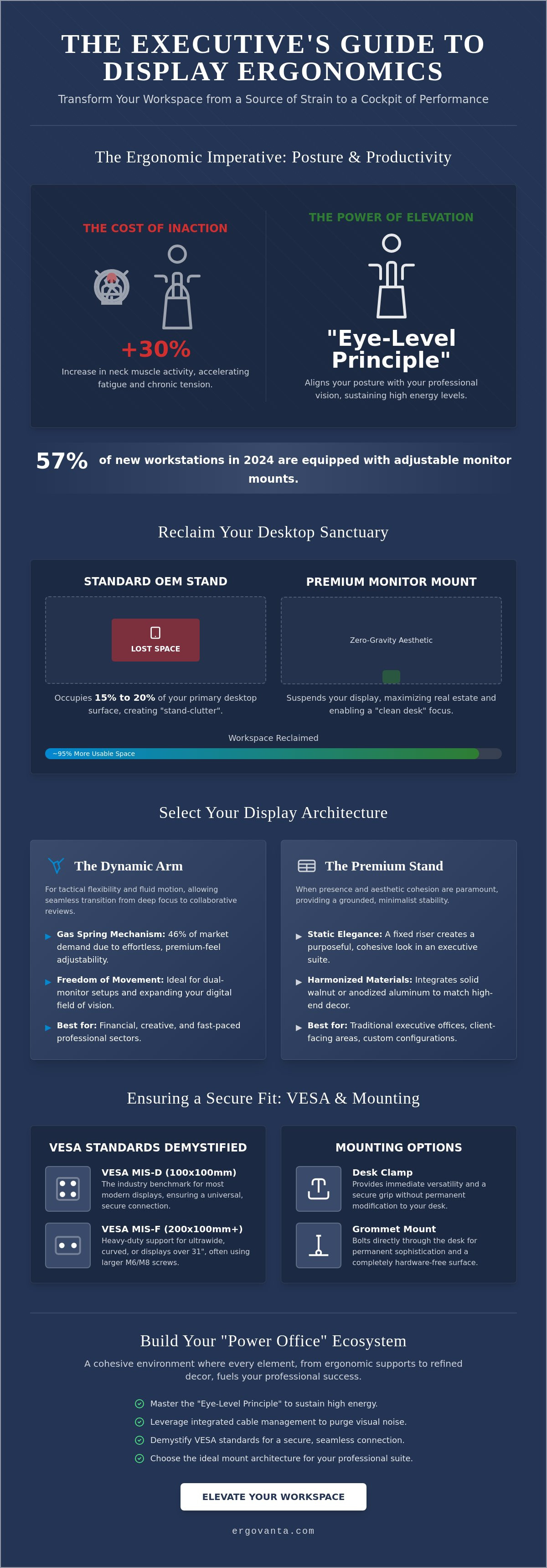
In 2024, approximately 57% of new office workstations were equipped with adjustable monitor mounts to combat the physical toll of the modern workday. You likely already know the cost of a standard setup; it's written in the chronic neck tension and visual clutter that defines your current desk. Your office is power, yet a bulky OEM stand often acts as a weight on your professional clarity. Integrating a quality pc monitor mount isn't just a hardware upgrade. It's a strategic move to reclaim your environment and your focus.
You deserve a workspace that reflects your ambition and provides instant relief from eye strain. This guide will help you master the art of display ergonomics by demystifying VESA standards and weight limits. We'll explore how to select a system that supports your professional success while creating a minimalist, high-end aesthetic. From heavy-duty gas spring arms to sleek dual-monitor configurations, you're about to transform your desk into a streamlined cockpit of executive performance. Elevate your workspace and your perspective starting now.
Key Takeaways
- Master the "Eye-Level Principle" to reclaim your posture and sustain high energy levels throughout the executive workday.
- Navigate the choice between cantilever flexibility and pedestal stability to find the ideal pc monitor mount for your professional suite.
- Demystify VESA standards to ensure a seamless, secure connection between your quality display and its new architecture.
- Leverage integrated cable management to purge visual noise and project an image of professional clarity and command.
- Build a cohesive "Power Office" ecosystem where every element, from ergonomic supports to refined decor, fuels your personal success.
The Philosophy of Elevation: Why Your Workspace Needs a PC Monitor Mount
Your office is power. Every element must serve your ambition, yet the standard display setup often undermines your authority. A quality pc monitor mount serves as the structural backbone of a high-performance executive workstation, transforming a static desk into a dynamic command center. By implementing the "Eye-Level Principle," you raise your display just 4 inches. This small adjustment can redefine your daily energy levels by aligning your posture with your professional vision.
To better understand the impact of choosing the right hardware for your setup, watch this helpful video:
Visual clarity precedes mental clarity. A clutter-free horizon allows your mind to focus on high-stakes decision-making rather than the chaos of your physical environment. When your screen floats, your mind follows. A pc monitor mount is a precision tool for ergonomic alignment and desk reclamation that empowers you to command your space with total confidence.
Reclaiming Your Desktop Sanctuary
Traditional stands carry a hidden cost. They occupy 15% to 20% of your primary desktop surface, creating stand-clutter that fragments your focus. By suspending your display, you achieve a zero-gravity aesthetic that complements quality desks and maximizes available real estate. Explore our curated monitor stands to find the architecture that fits your specific aesthetic.
The Ergonomic Imperative
You don't have to sacrifice style to prevent chronic tension. Poor monitor height leads to a 30% increase in neck muscle activity, which accelerates fatigue during long sessions. Aligning your display ensures your focal distance remains consistent, reducing the cognitive fatigue associated with constant visual recalibration. Most professional setups adhere to VESA mount standards to ensure a secure, sophisticated fit that lasts for years.
Selecting Your Display Architecture: Arms, Stands, and Executive Precision
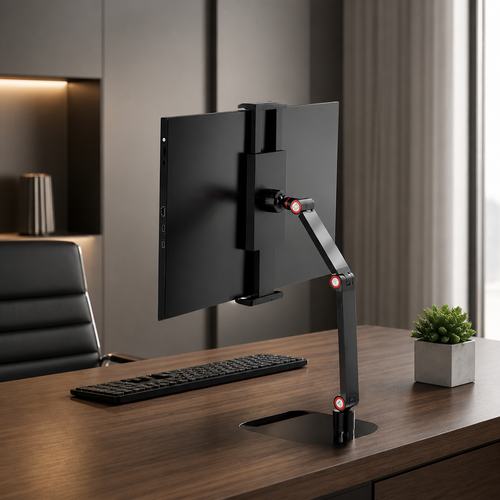
Choosing the right pc monitor mount requires balancing tactical flexibility with structural permanence. Your decision rests between the cantilever arm and the pedestal riser. While arms offer fluid motion, a heavy-duty pedestal provides a grounded, minimalist stability. Most modern displays utilize the VESA MIS-D standard. This 100x100 mm screw-hole pattern is the industry benchmark, ensuring your pc monitor mount remains secure regardless of brand.
For those commanding ultrawide or curved displays, weight capacity is the primary metric. Quality heavy-duty mounts are engineered to support displays over 31 inches, often utilizing the MIS-F standard with larger M6 or M8 screws. This level of precision prevents the "sag" often seen in budget alternatives. Most professionals prefer desk clamps for immediate versatility, but grommet mounts provide a level of permanent sophistication by bolting directly through the desk surface. This choice eliminates visible hardware and maximizes the "clean desk" aesthetic.
The Dynamic Arm: Freedom of Movement
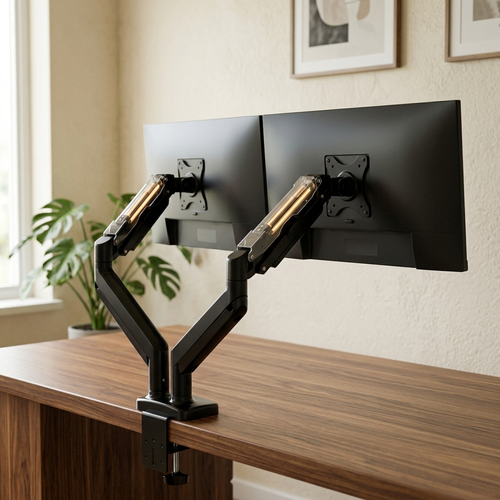
Gas spring mechanisms currently account for 46% of market demand due to their effortless adjustability. They allow you to transition from deep focus to collaborative reviews in seconds. In the financial and creative sectors, a dual-monitor setup can significantly boost productivity by expanding your digital field of vision. Choosing between gas spring and mechanical tension depends on how often you adjust your view. Gas springs offer a smoother, more quality feel for those who value rapid reconfiguration.
The Quality Monitor Stand: Static Elegance
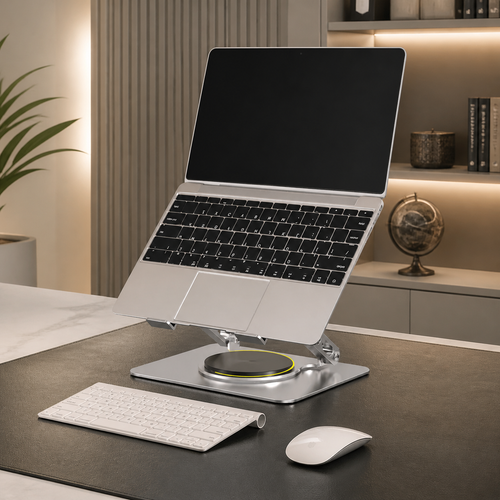
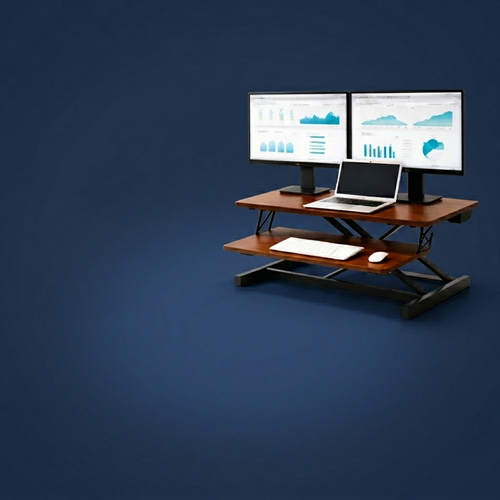
Sometimes, movement is secondary to presence. A fixed riser or quality monitor stand often provides a more cohesive look in a traditional executive suite. Integrating materials like solid walnut or anodized aluminum ensures your technology harmonizes with high-end decor. It's about creating a sanctuary where every object has a purpose. If you're designing a custom configuration for a new office, speak with our design team to refine your vision and ensure your hardware reflects your status.
Beyond the Bracket: Designing a High-Performance Executive Sanctuary
A pc monitor mount is not a standalone accessory. It is the anchor of a "Power Office" ecosystem designed for peak output. When you elevate your display, you create a stage for high-performance work. This reclaimed space allows you to curate your desk with executive essentials that reflect your professional status. Your environment should be a direct extension of your inner drive.
Success requires clarity, and visual clutter is the enemy of focus. There is a sophisticated synergy between screen height and quality office lighting. Proper positioning eliminates the glare that disrupts decision-making. By aligning your display with precision, you ensure that every light source in the room serves a purpose rather than creating a distraction. It's a calculated approach to workspace design that competitors often overlook.
The Art of Invisible Wiring
Cable management is the definitive line between a cluttered tech setup and a refined executive office. A visible tangle of wires suggests a lack of discipline; a wireless look suggests total command. Quality pc monitor mount systems feature integrated channels that hide power and data cables from view. This invisible wiring ensures your desk remains a sanctuary of order. It transforms your workstation into a clean, minimalist horizon that rewards focus.
Lighting the Professional Path
Strategic monitor placement allows for better integration of floor lamps and task lights. When your screen is elevated, you can utilize backlighting to reduce digital eye strain. Balancing screen brightness with ambient room light is essential for maintaining cognitive endurance during long sessions. In 2024, approximately 57% of high-end workstations integrated adjustable lighting to complement ergonomic hardware. This balance protects your vision and enhances the atmosphere of your professional sanctuary.
Command Your Workspace Horizon
You've explored the eye-level principle and the architectural precision required for a high-performance office. Elevation is more than a physical adjustment; it's a commitment to professional clarity. By mastering the synergy between your display and your environment, you eliminate the cognitive fatigue that slows your daily momentum. Every inch of reclaimed desk space becomes a new territory for focus and innovation.
Selecting a quality pc monitor mount is the final step in reclaiming your desktop sanctuary. This choice validates your status and streamlines your workflow through integrated cable management and ergonomic alignment. Ergovanta offers a collection curated for the modern professional, featuring quality materials and sophisticated design that harmonize with high-end decor. We believe that your environment is a direct reflection of your inner drive and professional identity.
We provide national shipping across the United States to ensure your transition to an elevated workspace is seamless and efficient. Elevate Your Professional Workspace with Ergovanta's Executive Collection today. Your office is power; it's time your setup reflected your ambition.
Frequently Asked Questions
Will a monitor mount work with my specific desk material?
Most quality desk materials like solid walnut, oak, or steel are perfectly compatible with a standard desk clamp or grommet mount. You should ensure your surface is at least 0.5 inches thick to provide a secure, stable foundation for the hardware. If you utilize a glass or hollow-core desk, you must use a reinforcement plate to distribute the weight and prevent structural failure.
Do I need a special toolset to install a PC monitor mount?
You rarely need a specialized toolset to install a modern pc monitor mount. Most quality systems include the necessary hex keys and mounting hardware required for a standard clamp assembly. If you choose a grommet mount for a more permanent, sophisticated look, you'll only need a standard drill to create a single 0.5-inch hole in your desktop surface.
How do I know if my monitor is VESA compatible?
Identify VESA compatibility by checking the rear of your display for a square or rectangular four-hole screw pattern. The industry benchmark for screens up to 32 inches is the 100x100 mm MIS-D pattern. If your display lacks these holes, it likely requires a specialized adapter to interface with a standard pc monitor mount.
Can a single monitor arm support a 49-inch ultrawide screen?
A high-end, heavy-duty single arm can support a 49-inch ultrawide screen if the display's weight falls within the mount's specified capacity. Quality mounts designed for these specialized displays often support up to 40 pounds or more. Always verify your monitor's weight without the original stand to ensure the gas spring or mechanical tension can maintain a stable, elevated position.
From the catalog