July 23, 2026
The Ergonomic Laptop Stand: Building a Workspace Made for the Work

If you spend serious hours at a desk, the room around it matters more than you think. The workspace shapes the work; therefore, you must equip it deliberately. You likely know the specific ache of a long afternoon: that persistent tension in your neck and shoulders from staring down at a screen. Integrating an ergonomic laptop stand into your setup isn't just about aesthetics. It's about addressing the physical tax of a workspace that wasn't built for the long haul.
We believe your tools should earn their place. Learn how to build a desk environment that supports your posture and respects the hours you spend working. We will cover how to select considered gear that reduces fatigue and fits the intentional design of your room, ensuring your setup is finally made for the work.
Key Takeaways
- Understand why the integrated keyboard and screen create a "laptop trap" and how an ergonomic laptop stand corrects your viewing angle.
- Identify the core criteria for selecting gear that earns its place: height, stability, and a considered desk footprint.
- Learn to choose materials that feel permanent and intentional, moving away from gear that feels cheap or temporary.
- Discover how to equip your desk for purposeful function and gain a daily advantage in your workflow.
- Shift your mindset from simply having a place to sit to building a workspace you would actually choose to come back to.
Why Proper Elevation Matters for Your Desk Hours
The workspace shapes the work. Equip it deliberately. If you spend serious hours at a desk, the default laptop setup is a recipe for fatigue. An ergonomic laptop stand is a simple, functional tool designed to raise your screen to eye level, breaking the cycle of looking down at your lap or the table surface. By changing the height of your device, you change the way you interact with your environment.
To better understand this concept, watch this helpful video:
The Physical Cost of the Default Setup
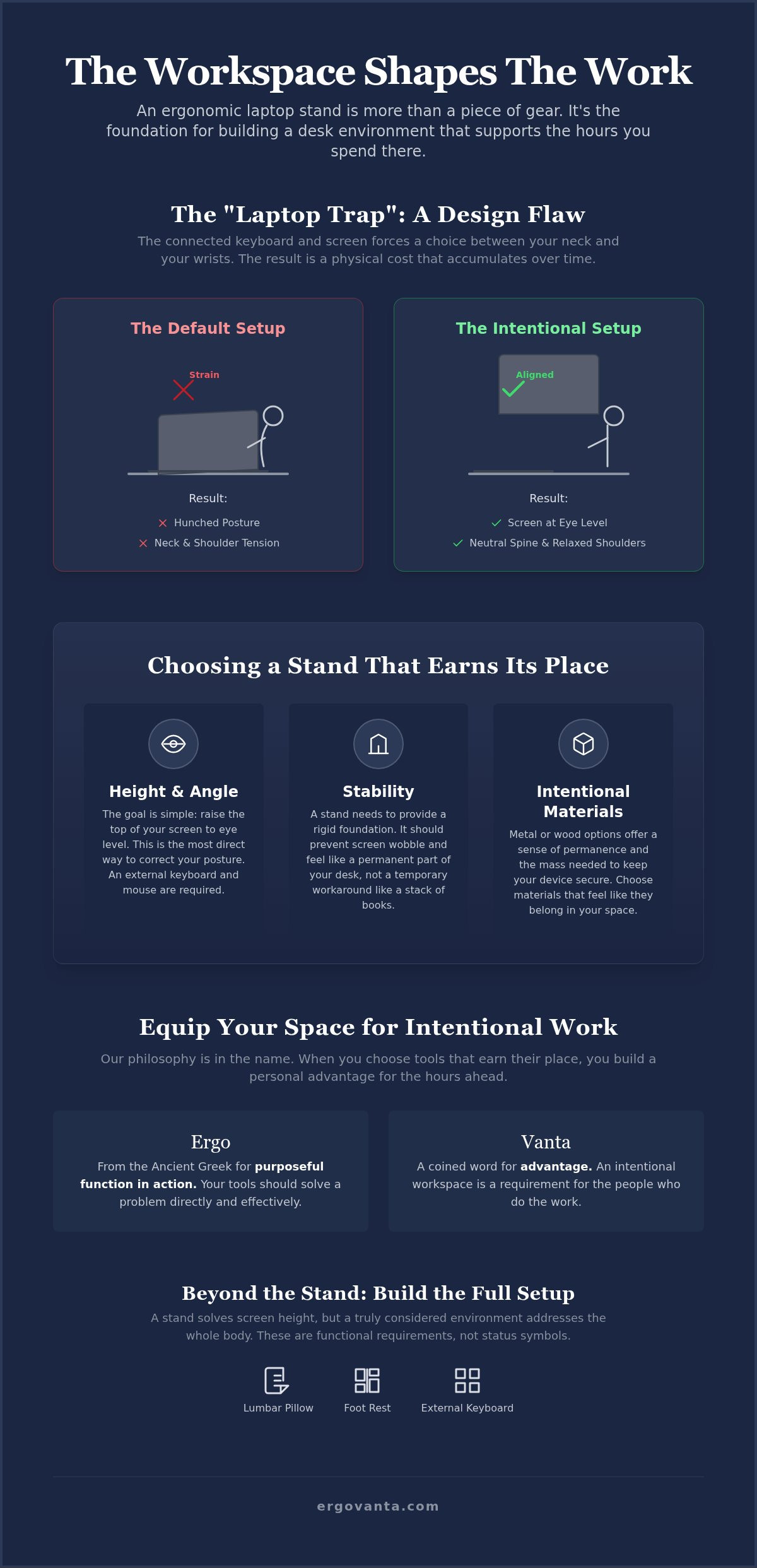
The "laptop trap" is a design flaw for anyone doing serious work. Because the keyboard and screen are physically connected, you're forced to choose between your wrists and your neck. Most people choose their wrists, which leads to a hunched posture and significant strain at the base of your neck. This isn't just about a temporary ache; it's a physical cost that accumulates over months of production. Using an ergonomic laptop stand allows you to separate these two components, keeping your head and neck balanced and in line with your torso. When your screen meets your eyes, your shoulders can finally relax.
Defining Ergonomics in Your Personal Space
Forget the clinical jargon found in corporate manuals. In your own space, ergonomics is about intentionality. It's the practice of fitting the work to the person, not forcing your body to contort to the gear. Following basic ergonomic desk principles ensures your desk remains a place of productivity rather than a source of tension. At Ergovanta, we look to the roots of the word: Ergo, meaning purposeful function in action, and Vanta, for advantage. An intentional workspace isn't a status symbol; it's a requirement for the people who do the work. By choosing objects that earn their place, you build a room that supports the hours you put in.
How to Choose a Stand That Earns Its Place
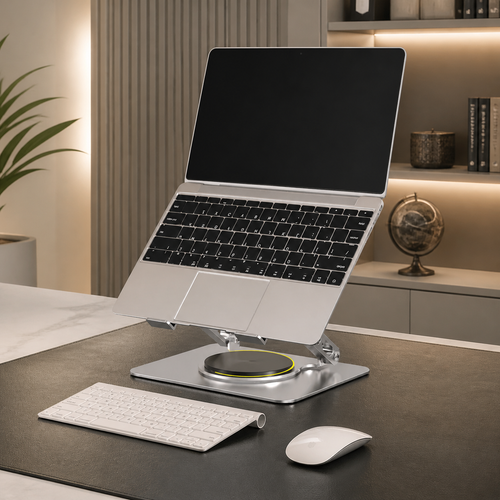
Not every piece of gear belongs on your desk. If you're serious about your space, you need a tool that offers more than just height. A stack of books might get your screen up, but it lacks the stability and airflow required for a long day of production. An ergonomic laptop stand should feel like a permanent part of your environment, not a temporary workaround. It needs to provide a rigid foundation that prevents screen wobble while keeping your hardware cool and your desk surface clear.
Height and Angle: The Core Requirements
The primary goal is simple: get the top of your screen at or slightly below eye level. This adjustment is the most effective way to maintain proper workstation posture. If you work from a fixed-height desk, a solid, non-adjustable stand often provides the most stability. However, if you move between different surfaces, an adjustable model allows you to fine-tune the angle to fit your specific needs. Just remember that once the screen is up, an external keyboard and mouse become mandatory. Typing directly on a raised platform is a fast way to trade neck tension for wrist fatigue.
Materials and Intentional Design
The materials you choose define the feeling of the room. Plastic stands often feel flimsy and temporary, whereas metal or wood options provide a sense of permanence and weight. These materials don't just look better; they offer the mass needed to keep your device secure during intense work sessions. A considered object is one that solves a physical problem while looking like it truly belongs. When you pair a sturdy stand with other workspace essentials, you create a cohesive environment made for the work. If you have questions about how these pieces fit into your specific setup, feel free to reach out for more information.
Equipping Your Space for Intentional Work
Choosing an ergonomic laptop stand is the first step in a larger project: building a workspace you would actually choose to come back to. At Ergovanta, our philosophy is rooted in the name itself. Ergo comes from the Ancient Greek for purposeful function in action, while Vanta is a coined term for advantage. When you equip your desk with tools that earn their place, you aren't just buying gear; you're creating a personal advantage for the hours ahead. It's about making your space work as hard as you do. The workspace shouldn't be an afterthought; it should be a deliberate reflection of the work you intend to produce.
Beyond the Stand: Building the Full Setup
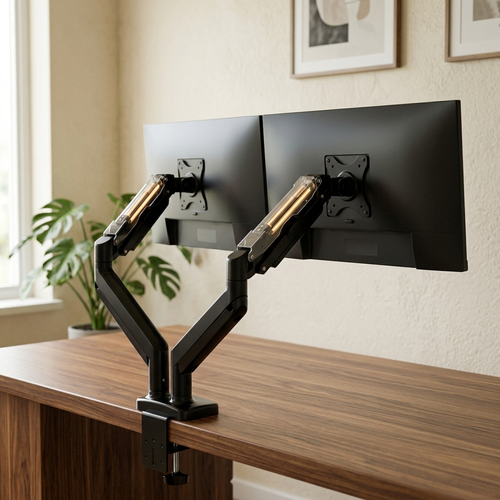
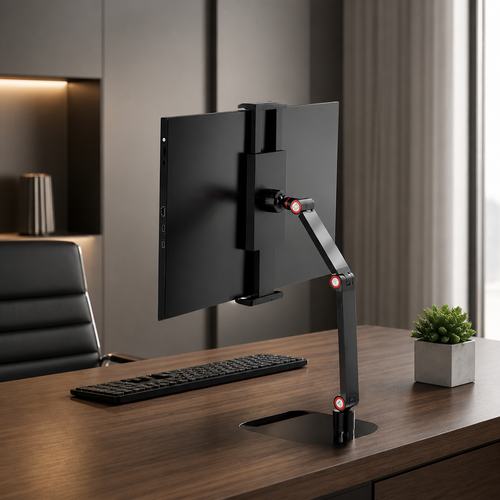
A stand solves the screen height issue, but a truly considered environment addresses the whole body. Pairing your setup with ergonomics and comfort tools, such as a lumbar pillow or a foot rest, ensures that physical fatigue doesn't cut your productivity short. These objects aren't status symbols. They are functional requirements for anyone who spends serious hours at a desk. By integrating your laptop with other monitor and laptop stands, you create a cohesive, streamlined surface that respects the work you're doing. A cluttered desk often leads to a cluttered mind; a streamlined setup allows for better focus.
The room around your desk matters just as much as the desk itself. Proper lighting from a well-placed lamp reduces eye strain during late nights, while intentional desk organization keeps your focus where it belongs. A room that gets used is one where every object has a reason for being there. When you build your space deliberately, you stop fighting your environment and start using it as a foundation for your best output. Equip your space for the long haul. Build it for the person you are when you're deep in a project. If you're going to spend a third of your life here, make it a place that supports you.
For the people who do the work.
Build a Workspace That Respects the Work
The workspace shapes the work. Equip it deliberately. If you spend serious hours at a desk, you've likely realized that proper screen elevation is the difference between a productive afternoon and a week of neck tension. A considered ergonomic laptop stand does more than just raise your device; it provides the stability and airflow required for a room that actually gets used. By moving away from makeshift risers and choosing objects that earn their place, you create a foundation for purposeful function in action.
Building an intentional workspace is about personal ownership. It's the practice of selecting gear that supports your posture while fitting the design of your room. When every tool provides a distinct advantage, you build a space you would choose to come back to every morning. If you're ready to stop fighting your setup and start equipping it for the long haul, we're here to help you find the right pieces for your desk.
Equip your desk with considered laptop stands that respect the hours you put in. For the people who do the work.
Frequently Asked Questions
Is a laptop stand really necessary for ergonomics?
If you spend serious hours at a desk, a stand is a requirement for a functional setup. It's the only way to separate the keyboard from the screen, which prevents the "laptop trap" mentioned earlier. Without this elevation, you are forced into a hunched posture that taxes your neck and shoulders. A considered setup ensures you aren't fighting your gear while you do the work.
What is the ideal height for an ergonomic laptop stand?
The top of your screen should sit at or slightly below your eye level. This positioning allows for a neutral neck position where you aren't tilting your head up or down to see your work. Using an ergonomic laptop stand helps you find this specific sweet spot regardless of your desk height or chair position, ensuring your screen meets your eyes naturally.
Can I use a laptop stand without an external keyboard?
You shouldn't. Raising your laptop screen creates a new ergonomic problem if you try to type on the integrated keyboard. Your wrists will be forced into an unnatural, upward angle, which simply trades neck pain for wrist strain. Always pair your stand with an external keyboard and mouse to keep your arms in a relaxed, neutral position at desk height.
Do laptop stands help with computer cooling?
Most stands significantly improve airflow by lifting the device off the flat desk surface. Modern laptops often vent heat through the bottom; therefore, a stand with an open design or metal construction helps dissipate heat more effectively than a tabletop. It's a functional advantage that protects your hardware during intensive tasks and prevents the performance throttling caused by overheating.
From the catalog