July 3, 2026
Home Office Accessories for Productivity: Building a Workspace That Works

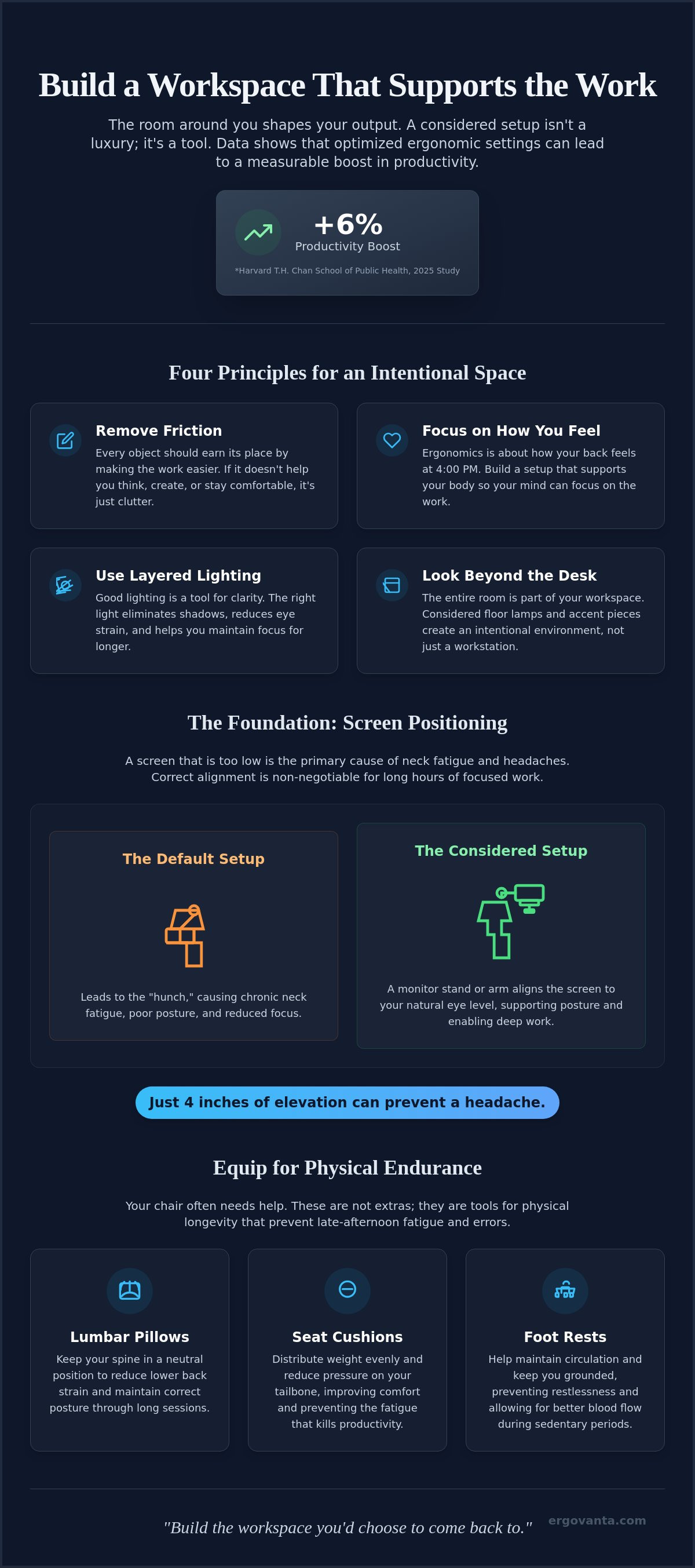
A 2025 study from the Harvard T.H. Chan School of Public Health found that workers in optimized ergonomic settings reported a 6% boost in productivity. The workspace shapes the work: equip it deliberately. If you spend serious hours at a desk, the room around it matters more than you think. Most people accept neck pain and cluttered surfaces as part of the job, but your desk shouldn't be something you have to recover from every evening.
You can build a space that actually supports you. This guide will show you how to choose home office accessories for productivity that reduce friction and help you feel better at the end of the day. We will look at the small objects that earn their place by solving real physical pains, from monitor arms that save your posture to lighting that stops eye strain. Learn how to equip your workspace with intentional tools made for the work you do every day.
Key Takeaways
- Build your workspace around the idea of removing friction. Every object you choose should earn its place by making the actual work easier to do.
- Focus on how you feel in your space rather than clinical jargon. Monitor arms and stands are the foundation for a setup that supports your body through long hours.
- Use layered lighting to eliminate shadows and reduce eye strain. Selecting the right home office accessories for productivity means equipping your desk with tools that provide clarity and focus.
- Look beyond the desk surface to the entire room. Floor lamps and considered accent pieces help create an intentional environment that you actually want to come back to.
Equipping a Workspace for Intentional Productivity
The workspace shapes the work. Equip it deliberately. If you spend serious hours at a desk, the room around it matters more than you think. A productive workspace is a personal environment built for the work. Choosing home office accessories for productivity isn't about filling a shopping cart with trendy gadgets; it's about identifying and removing the friction points that slow you down. Intentionality means every object on your desk serves a specific purpose in your unique workflow.
The concept of the Small office/home office (SOHO) has evolved from a niche setup into a standard requirement for millions of people. Whether you are a student, a creator, or a freelancer, your environment should be a tool that supports your output. To better understand how specific tools can change your workflow, watch this helpful video:
The small objects that earn their place
Avoid the trap of desk clutter by only adding workspace essentials that provide a clear advantage. Audit your current setup to see what stays and what goes. If an object doesn't help you think, create, or stay comfortable, it's taking up mental real estate. At Ergovanta, we look at the etymology of our name for guidance: "Ergo" comes from the Ancient Greek for purposeful function in action, and "Vanta" is the advantage you gain from it. Every item should provide that functional edge.
Moving beyond the status symbol
Your desk isn't a prop for a social media post or a reflection of your inner drive. It is a tool for doing the work. Focus on building a room that gets used rather than a room that looks like a magazine spread. This approach is inclusive for everyone, from WFH professionals to students. When you choose home office accessories for productivity, you are investing in a setup that works as hard as you do. We build these spaces for the people who do the work, focusing on ownership and personal utility over power-based metaphors.
Essential Tools for Physical Comfort and Workflow
Ergonomics isn't about medical charts or clinical jargon. It's about how your back feels at 4:00 PM. If you're constantly adjusting your seat or rubbing your neck, your setup is failing you. Choosing the right home office accessories for productivity means building a foundation that supports your body so your mind can focus on the work. When you equip your space with tools that remove physical strain, you're giving yourself the advantage of endurance.
Screen positioning and physical alignment
A monitor sitting too low is a recipe for chronic neck fatigue. Just four inches of elevation can be the difference between deep focus and a headache. Using monitor laptop stands ensures your screen meets your eyes where they naturally rest. This simple shift prevents the "hunch" often seen when working from varied locations. These ergonomic workstation tips from Boston University highlight why alignment is non-negotiable for anyone spending serious hours at a desk. Monitor arms take this a step further, providing a flexible workspace that adjusts to your specific tasks throughout the day.
Support for the body during the work
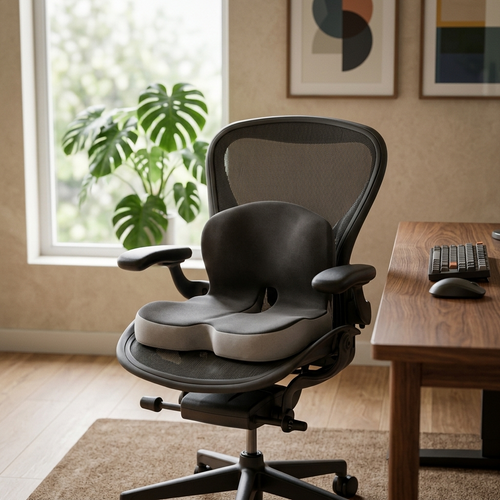
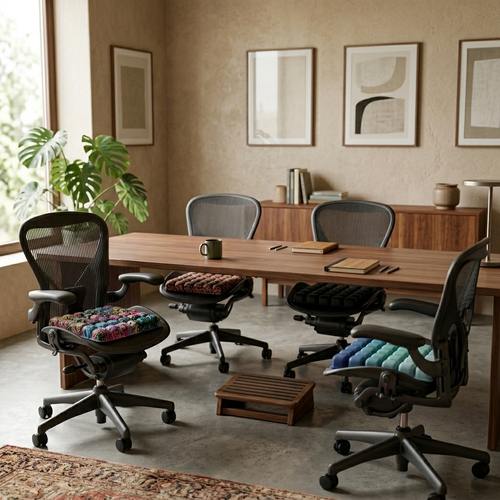
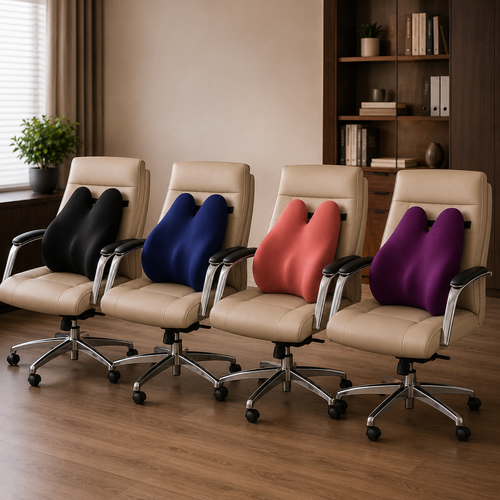
If you spend serious hours sitting, your chair likely needs help. Lumbar pillows and seat cushions aren't just extras; they're tools for physical longevity. They keep your spine in a neutral position and reduce the fatigue that leads to late-afternoon errors. Adding foot rests or foot massage boards helps maintain circulation, keeping you grounded while you work. You can explore a range of tools designed for ergonomics and comfort to see what fits your specific needs.
A messy desk creates a heavy mental load. Considered tech accessories like phone stands and wireless chargers keep your essential devices within reach but out of the way. These small objects earn their place by removing the distraction of searching for a charging cable or a misplaced phone. If you have questions about how to equip your specific desk, feel free to reach out to our team for advice on building a setup that works.
Lighting and Environment: The Room Around the Desk
Lighting is a tool for clarity. It shapes how you see your work and how you feel while doing it. Most people ignore their environment until their eyes burn at 9:00 PM, but lighting is one of the most critical home office accessories for productivity. It is not just about brightness; it is about intentional placement. A single overhead bulb creates harsh shadows and glare that force your eyes to work harder than they should.
Layered lighting is the solution. This involves using desk lamps alongside floor and wall lights to create a balanced environment. Monitor light bars are another tool that earns its place on the desk. They provide focused illumination directly across your workspace without taking up any actual desk real estate. By spreading light evenly, you reduce the contrast between your screen and the room, which helps you stay at the desk longer without fatigue.
Building clarity with considered lighting
Avoid the "office cave" by utilizing floor lamps to fill the room with soft, indirect light. You need a mix of task lighting and ambient lighting to support a productive evening session. Task lighting, such as a focused desk lamp, directs your attention to the document or keyboard in front of you. Ambient lighting from wall or floor fixtures softens the rest of the room, preventing the tunnel vision that leads to mental exhaustion. Equip your space with these tools to maintain clarity from the first cup of coffee to the final email.
The final layer of intentionality
Atmosphere is functional. If a room feels sterile or neglected, you won't choose to come back to it. Faux plants and small accent pieces like vases or figurines anchor a space. They make the environment feel intentional without becoming a distraction. Even the ritual of the work matters. Items like bar accessories or a considered glass of water earn their place on the desk because they support the person doing the work. When you build your space with home office accessories for productivity, you are creating a room that is made for the work you do every day.
Build a Space Made for the Work
The workspace shapes the work. You've seen how intentionality turns a standard desk into a tool for deep focus. By choosing home office accessories for productivity that solve specific physical pains and remove environmental friction, you're building a space that supports your output. Whether it's the alignment provided by a monitor arm or the clarity of layered lighting, these small objects earn their place through purposeful function. Your environment shouldn't be a source of fatigue; it should be an advantage you choose to use every day.
Don't settle for a room that you have to recover from. Equip your desk with considered tools designed for people who do the work. Ergovanta provides curated tools, from monitor stands to intentional lighting, ensuring every piece serves a specific purpose in your daily workflow. We offer free shipping on eligible orders to help you build a setup that feels like yours. If you're ready to start, build the workspace you would choose to come back to at Ergovanta. Take ownership of your environment. It's the most direct way to support the work you do every day.
Frequently Asked Questions
What are the best home office accessories for productivity?
The best accessories are tools that solve a specific physical or mental friction point in your daily workflow. For most people, this includes monitor arms that prevent neck strain, task lighting that clarifies the work, and organization tools that clear the mental load of a messy desk. Every object should earn its place by providing a clear functional advantage rather than just looking good on a shelf. Focus on building a setup that supports your body and mind.
How do I choose the right monitor stand for my desk?
Choose a stand that brings the top third of your screen to eye level to prevent the posture collapse that leads to chronic fatigue. You must consider the weight of your hardware and the depth of your desk surface before deciding. If you need to move your screen for different tasks or share it during calls, an adjustable monitor arm provides more flexibility than a fixed stand. The goal is to keep your head neutral and your spine aligned.
Does lighting actually affect my productivity at home?
Lighting is a tool for clarity that directly shapes how you feel while doing the work. Poor lighting causes eye strain and headaches, which are primary drivers of late-afternoon productivity drops. Using layered lighting (a mix of desk lamps and ambient floor lamps) helps maintain focus by reducing harsh shadows. It's one of the most overlooked home office accessories for productivity because it manages the atmosphere and your ability to see the task at hand clearly.
What ergonomic accessories are essential for a small home office?
In a small workspace, every inch counts, so you should choose tools that offer high impact with a low footprint. A laptop stand is essential to prevent posture collapse while keeping the desk surface open for other items. Monitor light bars are also excellent for small desks because they provide focused light without using any surface area. Focus on the essentials that support your body through long hours, such as a seat cushion or a lumbar pillow.
From the catalog